Best Shopify Apps for Your Store: What to Install and Why
Best Shopify Apps for Your Store: What to Install and Why
Not every Shopify app deserves a place in your store. Compare Klaviyo, Recharge, Smile.io, Judge.me, and DSers with Shopify's own tools, and learn how to evaluate costs, compatibility, customer experience, and real results before installing.

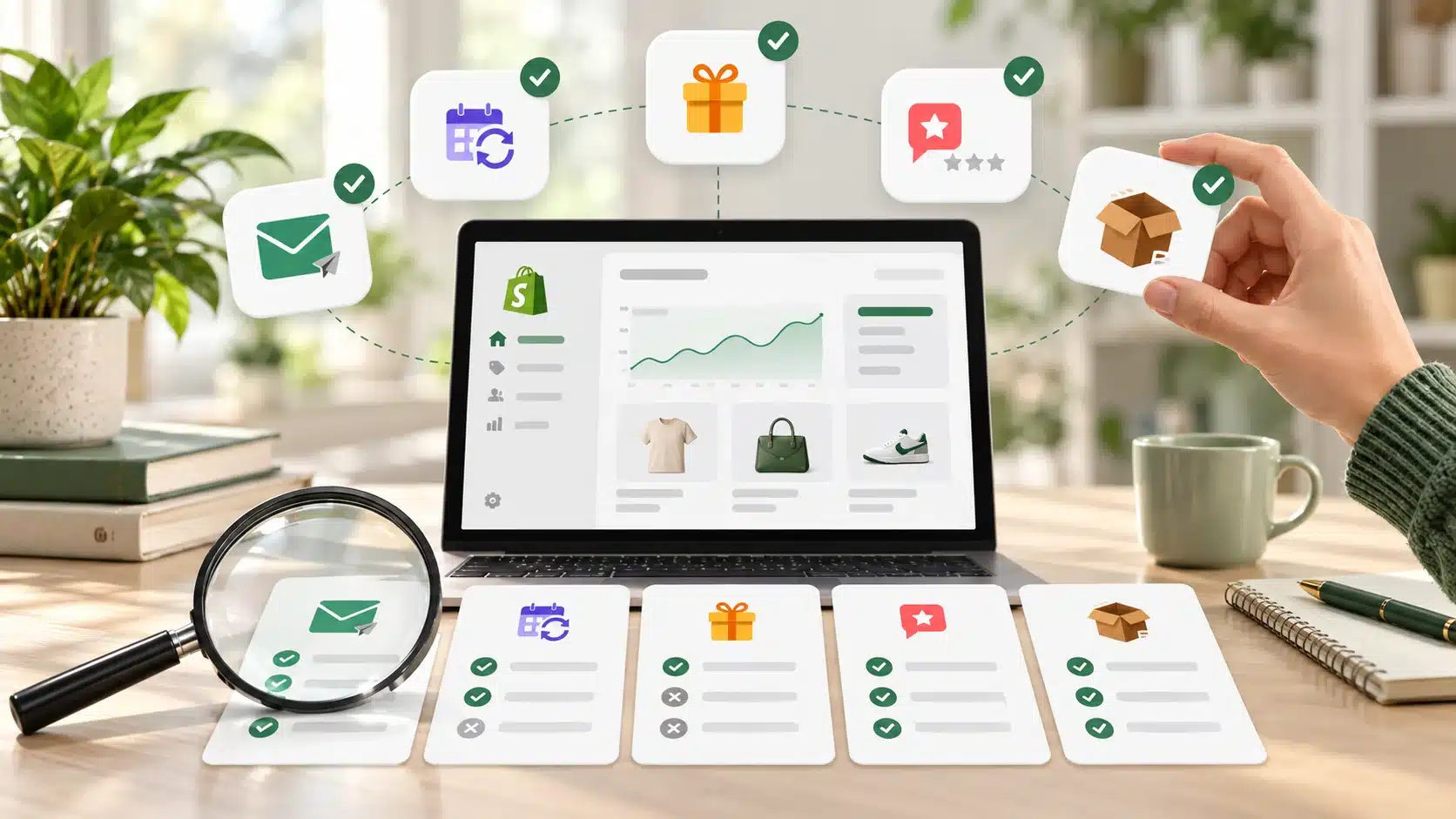
Shopify has apps for email marketing, subscriptions, loyalty programs, reviews, and product sourcing. The difficult part is not finding an app. It is deciding whether your store needs another one, what it will cost, and how you will tell if it worked.
The best Shopify apps solve a specific store problem that the tools you already use cannot handle well. This guide compares five established options, including alternatives built by Shopify, so you can choose based on your operations instead of installing everything with a five-star rating.
Check Shopify’s Own Tools Before Paying for Another App
A Shopify store does not start with an empty toolbox. Shopify offers first-party apps for several routine jobs, and they deserve a look before you add a separate subscription or another service that stores customer information.
- Shopify Messaging, previously called Shopify Email, supports email marketing and related messaging campaigns. The available channels, sending allowances, and charges depend on your plan and usage.
- Shopify Forms can collect subscribers through embedded or pop-up forms and connect that data to store marketing activities.
- Shopify Flow can automate certain store operations through triggers, conditions, and actions. Some actions and usage limits depend on your Shopify plan.
- Shopify Subscriptions supports recurring product purchases, with eligibility and payment-method requirements.
- Shopify Inbox gives stores a way to manage customer conversations.
Shopify documents these options in its list of first-party apps. They are not identical to every third-party alternative, but they establish a useful baseline. For a new store, an existing capability that meets your needs may be preferable to an additional tool to configure, pay for, and maintain.
If you are still working through products, payments, and basic settings, finish setting up your Shopify store before building a complicated app stack around it.

Five Shopify Apps Worth Evaluating
These are not five apps every store should install. Each addresses a different need, and a store without that need may be better off without it.
1. Klaviyo: When Email Marketing Needs More Segmentation
Klaviyo: Email Marketing & SMS connects Shopify customer and order data to marketing workflows. Its capabilities include segmentation, automated messages, testing, and reporting across supported channels. That can be useful for a store with enough customers and purchase history to make differentiated communication worthwhile.
Consider it when: You need distinct flows for first-time buyers, returning customers, or other meaningful groups, and the campaigns are becoming difficult to manage with your current tools.
Check first: Could Shopify Messaging handle the welcome or post-purchase sequence you need? How many active contacts and messages will you pay for as the list grows? A free installation is not the same as unlimited free marketing.
Measure: Revenue attributable to email with appropriate caution about attribution, repeat orders, unsubscribe rates, and the hours needed to maintain the flows. More automated emails are not a result in themselves. Our guide to email automation strategies for ecommerce covers the underlying planning decisions.
2. Recharge: When Subscriptions Need Advanced Management
Recharge Subscriptions supports recurring purchase programs and offers features such as customer account management, failed-payment recovery, and subscription reporting. It makes the most sense for products customers genuinely need to replenish, not products you simply wish they would buy every month.
Consider it when: Your subscription business needs retention and payment-recovery features beyond the simpler recurring-purchase setup available through Shopify.
Check first: Shopify Subscriptions may already cover basic recurring orders. Compare supported payment methods, customer portal behavior, fees, and what happens to active contracts if you migrate later. A subscription is a customer commitment, not just an extra button on the product page.
Measure: Active subscribers, churn, successful renewals, failed payments, and contribution margin after discounts and app fees. Predictable billing does not guarantee profitable retention.
3. Smile.io: When a Loyalty Program Has a Financial Case
Smile: Loyalty Program Rewards supports programs with points, rewards, referrals, and VIP tiers. Those features may help a retailer give returning customers a structured reason to shop again. They also create obligations: points need rules, rewards have costs, and customers need clear explanations.
Consider it when: You already have meaningful repeat-purchase behavior and want to test whether a structured program changes it. Stores with very infrequent purchases may struggle to justify a complex points system.
Check first: Can a straightforward customer segment, email offer, or existing Shopify discount accomplish the same goal? What is the reward liability? Do your customers understand how to earn and redeem points, including online and in person if you use Shopify POS?
Measure: Repeat-purchase rate, redemption, incremental margin, and retention compared with a reasonable baseline. A thousand loyalty signups do not prove the program paid for itself.
4. Judge.me: When Buyers Need More Evidence to Trust Products
Judge.me Product Reviews helps merchants collect and display product reviews, star ratings, and customer-submitted media. Reviews may answer questions product descriptions cannot, particularly for unfamiliar brands or items where fit and quality matter.
Consider it when: Customers ask for proof of quality, real-world photos, or feedback about specific products, and you have a reliable way to request reviews after fulfillment.
Check first: How are requests sent, how does the app indicate verified purchases, and how are negative reviews handled? Test the widget on mobile and check whether its scripts affect page loading. Do not assume a higher star-rating display creates a measurable sales lift.
Measure: Review collection rate, coverage of important products, recurring customer questions, and product-page purchase behavior. Keep ratings authentic and represent customer experiences accurately.
5. DSers: When Dropshipping Is Your Fulfillment Model
DSers connects Shopify merchants with supported sourcing and dropshipping workflows, including product imports and supplier-order processing. It is the relevant replacement to consider for the original article’s Oberlo recommendation. Oberlo stopped operating in June 2022, well before that article was published.
Consider it when: Your business actually uses a supported dropshipping supply chain and needs help managing product listings, orders, and supplier information.
Check first: Whether the supplier can deliver within your stated timeframe, whether product quality is consistent, and who handles returns or damaged orders. Automatic order placement cannot fix an unreliable supplier. Calculate shipping, payment fees, returns, and support costs before deciding a product is profitable.
Measure: On-time delivery, order exceptions, refunds, accurate inventory information, and margin per fulfilled order. Our guide to fulfillment strategies for growing ecommerce businesses addresses the operational decisions beyond importing products.
Shopify App Comparison: Match the Tool to the Need
| Business need | App to evaluate | Compare with first | What to measure |
|---|---|---|---|
| More targeted email and SMS | Klaviyo | Shopify Messaging and Forms | Repeat purchases and revenue after costs |
| More complex recurring orders | Recharge | Shopify Subscriptions | Renewals, churn, and subscription margin |
| Rewards for repeat customers | Smile.io | Customer segments and discounts | Repeat-purchase rate and reward costs |
| Collecting and displaying reviews | Judge.me | Existing review collection and theme setup | Authentic review coverage and purchase behavior |
| Managing dropshipping fulfillment | DSers | Supplier and fulfillment requirements | Delivery reliability, refunds, and margin |
The table is a shortlist, not a ranking of universal winners. The right fit also depends on your Shopify plan, theme, checkout setup, order volume, and other apps already connected to the store.
Test an App Before Making It Part of Your Operations
App Store reviews can be useful for identifying recurring complaints, but they cannot tell you how an app will perform in your particular store. Evaluate the full cost, including monthly charges, transaction fees, paid tiers, setup time, and staff training. Pricing and available features can change, so use the current listing and billing terms rather than a fixed number from an old roundup.
Before installing, check what customer, order, and store data the app requests. Review compatibility with your theme, checkout, subscription setup, and existing integrations. Make sure somebody on the team is responsible for the tool and its settings.
Then run a limited test:
- Define one problem. For example, too many failed subscription payments or too few product reviews.
- Record the baseline. Note the current rate, cost, workload, or failure count.
- Configure and test. Use a test order, review mobile behavior, and verify emails, billing, and customer-facing messages before relying on automation.
- Evaluate the net result. Include subscription costs, staff hours, refunds, and unexpected issues, not only the metrics inside the app dashboard.
- Plan for removal. Confirm what data can be exported, what happens to existing automations or subscription contracts, and how to uninstall without disrupting orders.
An app that solves a genuine bottleneck is worth considering. An app that duplicates something working well, adds more administrative work, or creates a higher operating cost without improving the customer experience deserves a second look. For a separate breakdown of the financial decision, see which Shopify apps are worth paying for.
The goal is not to build the biggest app collection. It is to choose a small number of tools that make the store easier to run and customers easier to serve, then keep checking that the results justify the complexity.