Critical PHP Security Vulnerabilities: What Website Owners Need to Know
Critical PHP Security Vulnerabilities: What Website Owners Need to Know
Two critical PHP vulnerabilities have prompted urgent security updates across the web. Here's what website owners should know about the risks, affected PHP versions, and the steps needed to confirm their sites are protected.


If you’ve seen headlines about a major PHP security threat, you may be wondering two things: what exactly is PHP, and should you be worried about your website?
The concern is legitimate.
On October 21, 2026, the PHP development team released emergency security updates addressing two critical vulnerabilities that could allow attackers to execute code on affected web servers without logging in.
The vulnerabilities, identified as CVE-2026-109618 and CVE-2026-109619, affect PHP itself, a programming language used by millions of websites, including those built with WordPress.
The most important thing for website owners to know is that security patches are available, and affected PHP installations should be updated immediately.
That doesn’t mean every website has been hacked. It means there’s a serious security issue that businesses need to make sure has been addressed.
Here’s what happened, why it matters, and what you should do.
What Is PHP, and Why Is It Important?
PHP is a programming language that runs on web servers.
When someone visits a WordPress website, PHP helps process requests, retrieve information, and generate the content displayed in the visitor’s browser.
It works behind the scenes.
You don’t need to know PHP to use WordPress, manage a business website, or publish a blog post.
But your website may depend on it every day.
PHP is used by WordPress, Drupal, Joomla, and numerous other web applications. It’s one of the technologies that makes dynamic websites possible.
Because it’s so widely used, a security issue affecting the PHP language itself can have consequences far beyond a single website or plugin.
What Happened With the October 2026 PHP Vulnerabilities?
On October 21, the PHP security team disclosed two critical vulnerabilities:
- CVE-2026-109618: A vulnerability involving memory handling during certain error conditions.
- CVE-2026-109619: A vulnerability involving internal PHP state that may remain accessible after memory has been released.
Both received a CVSS 4.0 severity score of 9.2, which falls into the critical category.
The technical details are complicated, but the potential consequence is straightforward.
Under vulnerable conditions, an attacker may be able to execute code on a server remotely without first obtaining a valid username or password.
This is called unauthenticated remote code execution, or RCE.
What Could an Attacker Do?
Successful exploitation could potentially allow an attacker to interfere with the server, access sensitive information, or compromise the applications running on it.
The exact consequences depend on the server’s configuration, permissions, and other security controls.
That doesn’t mean every affected installation will necessarily be compromised.
But the potential impact is serious enough that the PHP development team has urged users to update immediately.
You can review the official PHP security advisory for the technical details.
Why Are So Many Websites Potentially Affected?
The vulnerabilities were identified in PHP’s underlying runtime, rather than in a particular WordPress plugin or theme.
That distinction matters.
Normally, when a security flaw is discovered in a plugin, the concern is limited to websites using that plugin or its affected versions.
This situation is different because the vulnerable code is part of the technology that processes requests for many PHP-powered websites.
Cybersecurity company Wiz published research under the name PHP2Shell, demonstrating how these vulnerabilities could be exploited in environments running popular content management systems, including WordPress, Drupal, and Joomla.
The researchers also highlighted how advanced AI tools helped uncover and develop attacks against flaws that had existed in PHP for years.
According to Wiz’s PHP2Shell research, the affected technology is used across a substantial portion of the web.
But there’s an important distinction between being potentially exposed and being compromised.
A website using PHP isn’t automatically a hacked website.
The actual risk depends on the PHP version, whether the relevant security patches have been applied, and the server environment.
The widespread use of PHP explains why the issue deserves urgent attention. It doesn’t establish how many websites have been successfully attacked.
Is Your WordPress Website Affected?
Potentially, yes.
WordPress uses PHP, so WordPress websites running vulnerable PHP installations may be exposed to these security issues.
However, you can’t determine a website’s security status simply by knowing that it uses WordPress.
You need to know which PHP version the hosting environment is running and whether the relevant fixes have been installed.
A WordPress Update Alone May Not Fix This
This is an important distinction for website owners.
Updating WordPress core, themes, and plugins is part of maintaining a secure website.
But these particular vulnerabilities exist in PHP.
Updating WordPress does not automatically mean your server’s PHP installation has been patched.
PHP updates are generally managed through the hosting environment, server administration tools, or infrastructure provider.
For businesses using managed hosting, the hosting provider may be responsible for applying the relevant patches.
For self-managed servers, the administrator needs to verify and deploy the necessary updates.
Either way, the key is confirmation.
Don’t assume that because your WordPress dashboard says everything is up to date, the underlying server has received this security fix.
Which PHP Versions Have Security Fixes?
The PHP development team released the following patched versions on October 21, 2026:
- PHP 8.5.12
- PHP 8.4.27
- PHP 8.3.36
- PHP 8.2.35
These releases address the two critical vulnerabilities.
If your server is using one of these PHP branches, confirm that it has been updated to the corresponding patched release or a newer release containing the fixes.
For older PHP versions, the situation may require more attention.
PHP 8.1 and earlier versions are no longer supported directly by the PHP project. Some operating system vendors and extended-support providers may distribute security patches for older versions.
That means a version number alone may not tell the full story if your hosting provider uses vendor-maintained packages with backported fixes.
Your hosting provider or server administrator should be able to confirm whether the installed package contains the security patches.
PHP 8.2 is also approaching its scheduled end of security support on December 31, 2026, making longer-term upgrade planning important for websites still using that branch.
What Should Website Owners Do Right Now?
You don’t need to become a server administrator to take this seriously.
You do need to make sure someone responsible for your website is verifying the situation.
1. Check Your PHP Version
If you use WordPress, you can usually find information about your PHP environment in the dashboard.
Go to:
Tools → Site Health → Info → Server
Look for the PHP version listed there.
WordPress provides this information as part of its built-in Site Health tools.
This is a useful first check, although managed hosting environments and vendor-specific security patches may require confirmation from your provider.
If you aren’t comfortable interpreting the version information, send it to your website administrator or hosting support team.
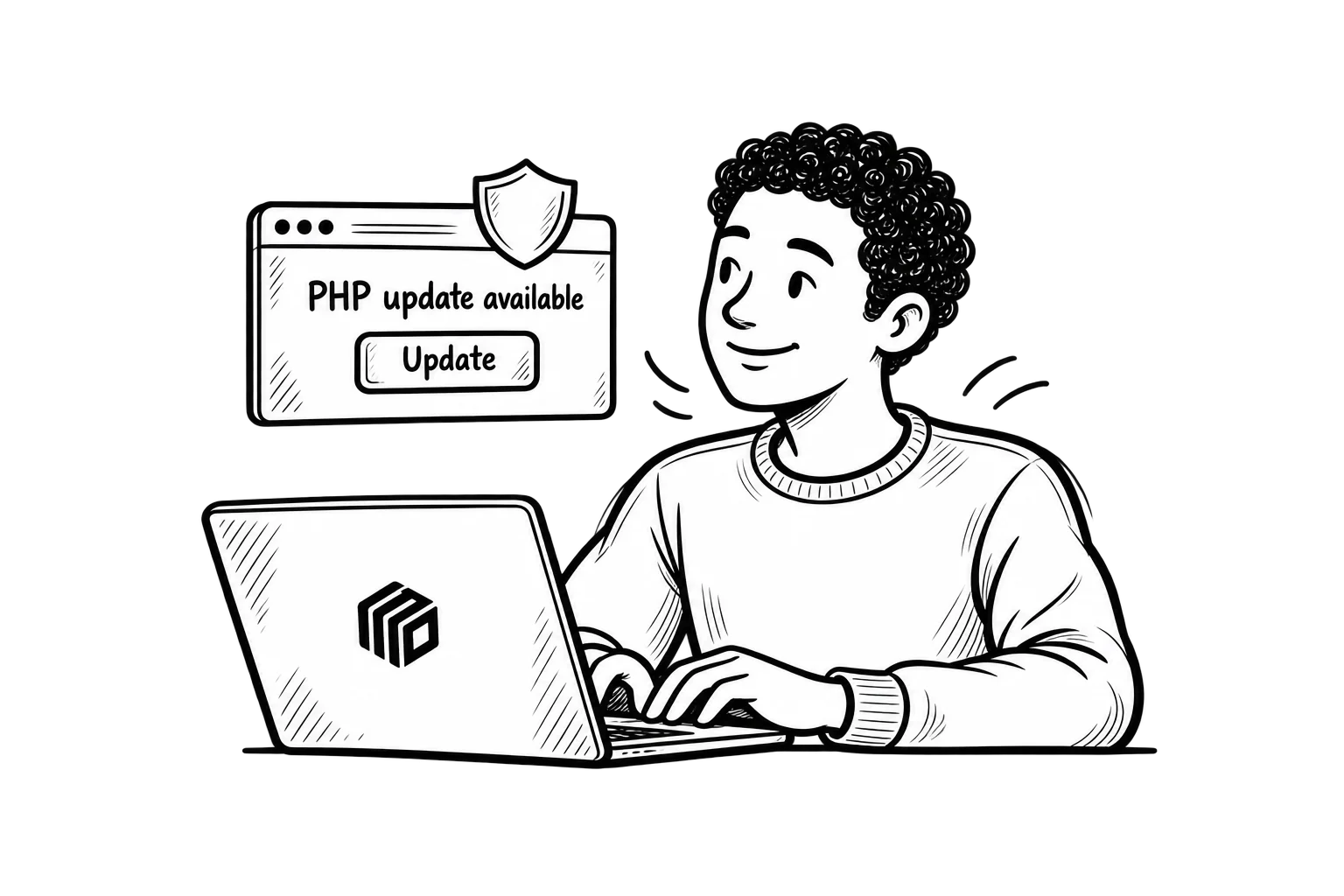
2. Contact Your Hosting Provider
Ask whether your website’s PHP installation has been updated to address CVE-2026-109618 and CVE-2026-109619.
You don’t need a detailed explanation of memory corruption or the technical exploit.
You need a clear answer about whether the affected environment has been patched.
If it hasn’t, ask when the update will be applied and what immediate steps are being taken to reduce exposure.
Remember that temporary protections aren’t a substitute for the security update.
3. Avoid Changing PHP Versions Without Checking Compatibility
If your website is running an older version of PHP, you may be tempted to change it immediately through your hosting control panel.
That can be appropriate, but PHP upgrades can also affect compatibility with themes, plugins, and custom code.
A website that hasn’t been maintained regularly may experience errors after a major version change.
For urgent security releases within the same supported PHP branch, the update is generally more straightforward, but it still needs verification.
Work with your hosting provider or developer to apply the fix promptly and test the website afterward.
Don’t delay a critical patch unnecessarily because of compatibility concerns. Address both.
4. Check That Your Website Is Working Correctly
After your hosting environment has been updated, test important website functions.
For a typical business website, that may include:
- Contact and lead generation forms.
- Customer login areas.
- Online payments and checkout.
- Booking or scheduling tools.
- Important integrations and automated processes.
Also confirm that the website loads correctly and that no unexpected errors appear.
A successful update should address the security issue without leaving essential business functionality broken.
5. Review Security Monitoring and Backups
Security updates reduce exposure, but they don’t replace monitoring.
Ask whether your hosting environment has been reviewed for suspicious activity associated with the vulnerabilities.
Make sure current backups are available and that your recovery process is understood.
A backup doesn’t prevent an attack. It provides a recovery option if something goes wrong, and it should be protected from unauthorized modification.
If there’s evidence that your website has already been compromised, the response may require additional investigation rather than simply applying the patch and moving on.
Should You Take Your Website Offline?
You may have seen reports of organizations temporarily shutting down websites while responding to the vulnerabilities.
That doesn’t mean every business should immediately take its website offline.
The appropriate action depends on the environment, its exposure, and whether a verified patch can be applied.
For most website owners, the first step should be contacting the hosting provider or server administrator.
If an affected installation cannot be patched promptly, the responsible technical team may need to consider temporary restrictions or service interruption while assessing the risk.
This is a decision that should be based on the actual server configuration and verified security guidance.
The PHP security team has also documented temporary risk-reduction measures for environments that cannot be updated immediately, but explicitly warns that these measures are not a complete solution.
For a business that relies on its website for leads, reservations, or sales, taking the site offline has operational consequences.
Those consequences matter, but they shouldn’t be used as a reason to leave a known critical vulnerability unaddressed.
What Does This Mean for Businesses Using Managed Hosting?
One advantage of managed website hosting is having a team responsible for maintaining the underlying server environment.
A business owner shouldn’t need to track every technical security advisory or understand every PHP configuration setting.
But there should be a clear process for reviewing important vulnerabilities, applying updates, and verifying that websites continue functioning correctly.
This incident is a reminder that website security involves more than installing a WordPress security plugin.
It also depends on how the server is maintained.
If you’re evaluating a hosting provider, ask how critical security updates are handled, who is responsible for deploying them, and how website functionality is checked afterward.
You can learn more about MoDuet’s website hosting services and the role reliable infrastructure plays in maintaining a business website.
What Happens Next?
The October 21 PHP releases provide fixes for the two disclosed vulnerabilities.
Website administrators and hosting providers now need to ensure those fixes reach their affected environments.
Further security advisories, vendor updates, and investigation findings may provide additional information about the broader impact.
For business owners, the immediate priority is more specific.
Find out which PHP version your website uses. Confirm whether the appropriate security patches have been installed. Make sure important website functions still work.
If you manage your website yourself, use the official PHP advisory and your hosting provider’s instructions rather than relying on unverified social media recommendations.
If someone else manages your website, ask them to confirm its status.
A well-maintained website shouldn’t require you to understand every technical vulnerability. It should have someone responsible for responding when one matters.
And this one does.
For assistance with website infrastructure, maintenance, or security-related concerns, contact the MoDuet team.