Shopify SEO for Startups: What to Fix First
Shopify SEO for Startups: What to Fix First
Starting a Shopify store with a limited budget? Learn which SEO tasks to prioritize first, what Shopify already handles, and how to track the results that matter.

Launching a Shopify store is one thing. Helping the right customers find it on Google is another. For a startup with limited time and budget, the smartest Shopify SEO strategy is to make your store accessible to search engines, organize products clearly, improve the pages most likely to earn sales, and measure what happens next.
You do not need ten SEO apps or a blog filled with articles about every possible keyword. You need a practical order of operations. Here is where to start, what Shopify already handles, and which improvements deserve attention after your store goes live.
Start With the Work That Makes Your Products Findable
Shopify SEO is the process of helping search engines discover and understand your store, then making its product and collection pages relevant to what shoppers search for. For a new business, the challenge is prioritization. A startup should not chase backlinks while its products are missing descriptions or buried in confusing navigation.
Focus first on three things: indexing, useful product information, and clear paths to purchase. Blogging and advanced work can follow. None of these steps guarantees rankings.
1. Make Sure Google Can Access Your Store
Before optimizing headlines, check whether the store is public and whether Google can discover its pages. A password-protected Shopify storefront can prevent search engines from accessing the products you want customers to find.
Shopify automatically creates a sitemap, typically at yourstore.com/sitemap.xml, that includes product, collection, page, and blog URLs. You do not have to install an app to generate it. Follow Shopify’s sitemap submission instructions to verify the store in Google Search Console and submit the sitemap.
Use Search Console’s URL Inspection tool to check important products and collections. A submitted sitemap does not guarantee indexing.
If your store is not live yet, prepare these steps now and complete the public-access checks when you launch. For the rest of the setup, see our guide to setting up a Shopify store.
2. Organize Collections Around How People Shop
A collection page should help someone choose among related products, not simply hold everything that does not fit elsewhere. Group items in ways customers understand, such as product type, intended use, or a meaningful characteristic.
For example, a store selling candles might create collections for unscented candles, scented candles, and gift sets. Those groupings make more sense than an assortment of vague labels like Favorites and Everything We Love if shoppers are trying to find a specific type of candle.
Link to your most important collections from the main menu. Make sure each collection leads to its products through regular, crawlable links. Google’s ecommerce site-structure guidance explains why navigation and internal links help search engines discover products and understand which pages matter.
Keep collection introductions concise and useful.
3. Research Product Searches, Not Searches About Shopify
Search terms such as Shopify SEO and ecommerce SEO describe marketing tactics, not the products customers want to buy. Research the language of your products instead.
Start with the words a customer would use to describe an item. Add details that distinguish it: material, size, compatibility, style, use, or a problem it solves. A customer might search for unscented soy pillar candles rather than candles, for example.
Use search suggestions, competitor category labels, customer questions, and keyword research tools to develop a shortlist. Then match each query to the right page. Broad product families usually belong on collections; specific items belong on product pages; comparison and care questions may deserve helpful guides.
Avoid almost-identical pages targeting tiny keyword variations.
4. Improve Your Most Important Product Pages First
Start with the items you can actually stock, fulfill, and sell profitably. Each priority product page should explain what the item is and answer the questions that might otherwise prevent an order.
Include the relevant specifications: size, materials, color options, compatibility, care instructions, and what is included. Use original photographs and explain meaningful differences where possible. Supplier descriptions are a starting point for facts, but generic copied text does little to explain why someone should choose your store. Duplicate wording is not an automatic Google penalty; the more practical problem is that the page offers little distinctive value.
Add clear shipping, returns, and availability information where customers expect it. Write for the person deciding whether to purchase, not for a keyword counter. Our guide to product descriptions that support conversions covers how to turn product details into useful buying information.
5. Write Search Listings That Match the Product
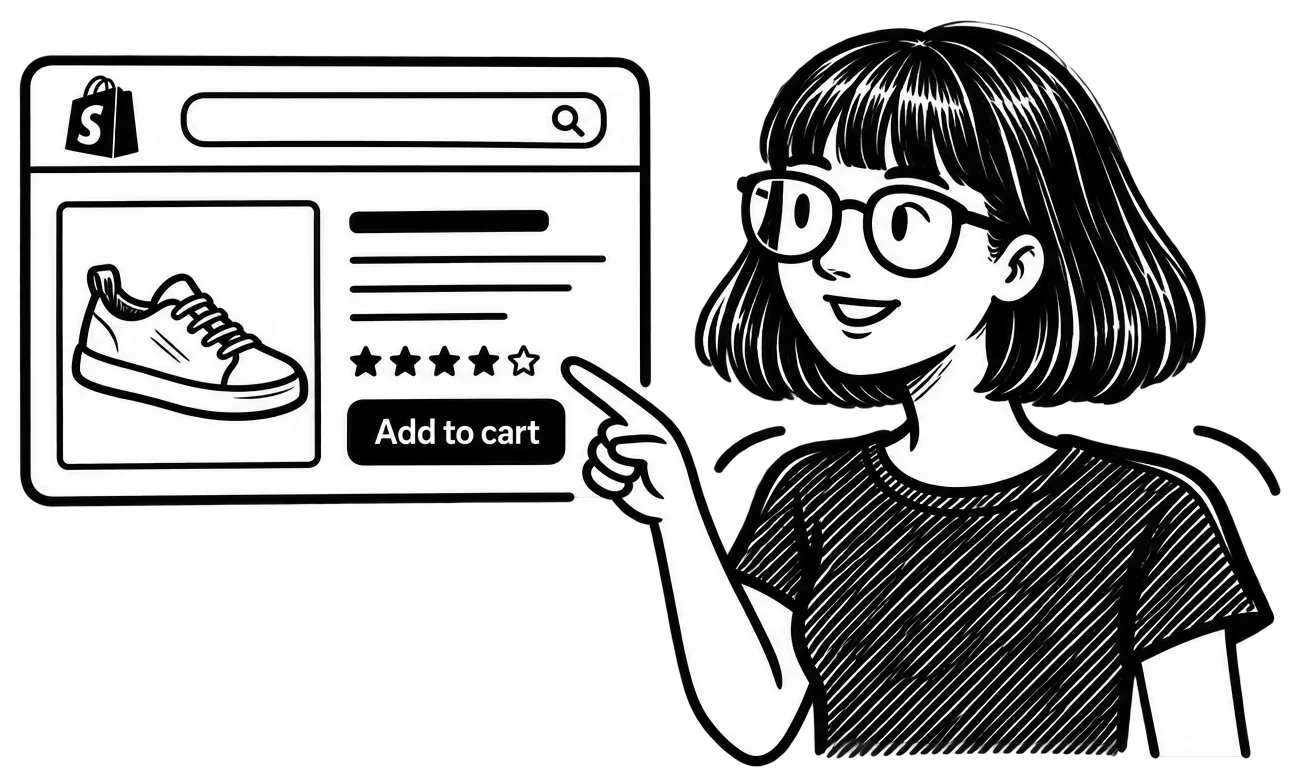
Shopify lets you edit the search engine listing for products, collections, pages, and blog posts. Write a distinct title that identifies what is on the page, and a concise meta description that gives a shopper a reason to visit.
A title like Lavender Soy Candle, 8 oz | Brand Name is more informative than Beautiful Candle | Brand Name. The exact wording should match the actual product. Do not advertise free shipping, discounts, or features that are not available.
Use image alt text to describe the image accurately for people who use assistive technology. A useful example is White ceramic candle jar with wooden lid, not a string of repeated keywords. Search engines may also use this information, but accessibility should not be treated as an excuse for stuffing text.
Shopify includes canonical tags, automatically generated sitemaps, and other built-in SEO features. Check those basics before purchasing an app to recreate them.
6. Check Mobile Usability and Speed Without Chasing a Perfect Score
A responsive theme does not guarantee every page works well on a phone. Open your store on a real mobile device and try finding a product, choosing a variant, reading the details, and completing checkout.
Test representative product and collection pages with PageSpeed Insights and review Core Web Vitals where enough field data exists. Check large images, intrusive popups, third-party scripts, and apps that load on every page. Fix problems that affect shoppers rather than treating a single performance score as an SEO ranking prediction.
Google retired its old Mobile-Friendly Test in 2023, so do not use older tutorials that still direct you there. Lighthouse, PageSpeed Insights, and hands-on mobile testing are more useful now.
7. Review Product Data Before Adding More SEO Apps
If you want products to appear in Google’s shopping experiences, review the quality of your product data as well as your website pages. Price, availability, variants, images, and identifiers should be accurate and consistent.
Google’s merchant listing structured data guidance explains how Product and Offer information can make products eligible for richer search appearances. Rich results are not guaranteed. Supported Shopify themes already include core structured data, so inspect what is actually present before installing an additional schema app.
Shopify’s Google & YouTube sales channel can connect product data with Google Merchant Center, but it comes with store and product requirements. Before using it, check the current channel requirements, including visible store policies, contact information, and required product attributes.
Install an app only when it solves a verified problem.
8. Add Content and Links When There Is a Real Customer Question
Once your core pages are strong, publish guides that help customers compare, choose, use, or care for the products you sell. A sizing guide, a compatibility explanation, or a practical comparison can connect a research question to a relevant collection or product.
Link from those guides to the items they genuinely help explain. Encourage legitimate mentions from suppliers, collaborators, industry organizations, and publications that have a reason to reference your store. Avoid paying for bulk backlinks or creating articles simply to hit a publishing quota.
If your catalog grows and you need a broader long-term framework, Shopify SEO best practices for sustainable growth goes deeper into ongoing optimization.
9. Measure Search Visibility and Sales Separately
Google Search Console shows which queries and pages receive search impressions and clicks. Shopify analytics helps you evaluate store sessions, orders, and revenue. These answer different questions.
- Impressions but few clicks: Review whether the page addresses the search and whether its title communicates the offer clearly.
- Clicks but few purchases: Check product relevance, pricing, shipping expectations, availability, and mobile usability before rewriting keywords.
- Important pages missing from search: Inspect their index status, links, and content before publishing more pages.
- More orders but unclear source: Verify analytics and attribution before claiming SEO caused the increase.
Early numbers may be volatile. Record changes and compare meaningful time periods. If traffic improves but sales do not, our guide to improving Shopify conversions covers the next part of the problem.
A Practical First-Month Shopify SEO Checklist
Use the first month as an implementation window, not a promise that rankings will improve within 30 days.
- Week 1: Verify the foundation. Launch a crawlable storefront, submit the sitemap, and inspect priority pages in Search Console.
- Week 2: Fix navigation and content. Organize key collections and improve titles, descriptions, specifications, and images for your most important products.
- Week 3: Test the shopping experience. Review mobile usability, speed, checkout, store policies, and product data. Fix issues that could prevent discovery or purchase.
- Week 4: Establish measurement. Record a baseline for indexed pages, search impressions, organic visits, orders, and revenue. Choose the next improvement based on what the data actually shows.
For startups, Shopify SEO works best as a sequence of manageable decisions. Make the store discoverable, make its products understandable, and make buying straightforward. Then build on what customers search for and what your results reveal. More activity is not the goal. A store that can be found and used is.