The Future of WordPress Plugins: AI, Automation, and Better Integrations
The Future of WordPress Plugins: AI, Automation, and Better Integrations
WordPress plugins are becoming more connected, automation-friendly, and AI-aware. See how new APIs, modern admin tools, better testing, and smarter plugin management are changing the ecosystem.


AI in WordPress is moving beyond plugins that generate a paragraph or suggest a headline.
WordPress now has infrastructure specifically designed to help developers build AI-powered functionality in a more standardized way.
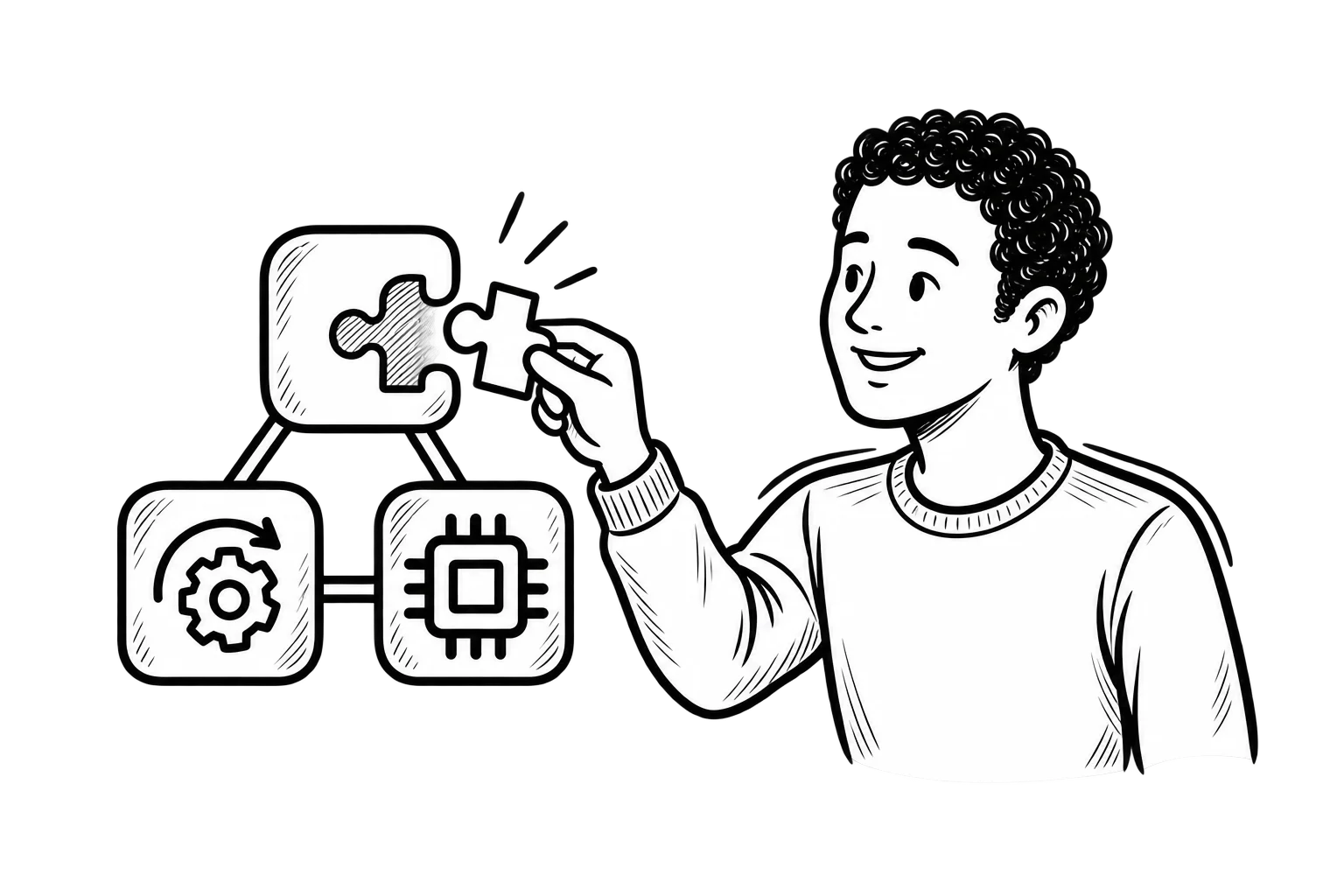
One of the biggest pieces is the Abilities API, introduced in WordPress 6.9.
The Abilities API gives WordPress, plugins, and themes a standard way to describe actions they can perform so those capabilities can be discovered and used by other systems. WordPress 7.1 expanded that foundation with additional functionality developers can build against.
That may sound like a developer detail, but the practical implication is significant.
Instead of every AI integration needing to invent its own way to interact with WordPress, plugins can increasingly expose functionality through shared standards.
AI Plugins Will Do More Than Write Content
The earliest AI plugins focused heavily on content generation.
That use case is not disappearing, but the possibilities are becoming broader.
The official WordPress AI plugin has already experimented with functionality such as content translation, slug generation, and custom abilities inside the editor.
Other AI-powered plugins can use WordPress data to support tasks such as:
- Analyzing site information
- Working with media
- Generating or modifying content
- Assisting with administrative tasks
- Building workflows
- Reviewing structured website data
- Connecting WordPress actions with external AI systems
WordPress also has a WordPress AI Client that gives developers a provider-agnostic way to work with AI models, so a plugin does not necessarily have to be built around one specific AI company.
That creates more flexibility for plugin developers and potentially less dependence on one model or provider.
For website owners, the important question will be the same as with any other plugin:
Does the feature actually solve a useful problem?
Adding AI to a plugin does not automatically make the plugin better.
AI Agents Can Interact With WordPress More Directly
Another important development is WordPress support for the Model Context Protocol, or MCP.
WordPress’s MCP Adapter can expose registered WordPress abilities to compatible AI tools, allowing an AI system to discover available functionality and, when permissions allow, execute actions against the site.
For example, an appropriately configured system could eventually allow an AI assistant to work with tasks such as:
- Retrieving site information
- Checking settings
- Working with content
- Running diagnostics
- Supporting administrative workflows
That does not mean businesses should hand an AI assistant unrestricted control over WordPress.
Permissions, authentication, validation, and oversight remain essential.
But it does show where plugin development is heading.
AI will increasingly interact with WordPress functionality rather than simply generating text outside the website.
Plugin Integrations Are Becoming More Structured
Plugins have always interacted with each other, but those relationships have not always been easy to manage.
A plugin might require WooCommerce.
Another might require Gravity Forms.
Another might depend on a specific SEO or membership plugin.
Historically, developers often had to build their own logic to handle those relationships.
WordPress now includes Plugin Dependencies, which gives plugin developers a standard way to declare when another plugin is required. WordPress can then identify missing dependencies and help prevent situations where dependent functionality is activated without the software it needs.
This does not eliminate compatibility problems.
But it is another step toward a plugin ecosystem where integrations are more explicit and easier to manage.
For businesses, that matters because websites often depend on chains of connected software.
Understanding those dependencies makes maintenance safer.
The WordPress Admin Is Becoming More Consistent
WordPress is also modernizing the interfaces developers use to build plugin screens.
The WordPress admin currently includes both older interfaces and newer experiences influenced by the Block and Site Editors.
Developers can increasingly use common WordPress components rather than building every plugin settings screen from scratch.
One example is DataForm, which gives plugin developers a configuration-driven way to create forms and settings interfaces that align more closely with the direction of WordPress Core.
For a business owner, the technical implementation may not matter.
The experience does.
Plugins that follow common WordPress interface patterns can be easier for teams to learn and manage because every plugin does not feel like a completely different piece of software.
That consistency becomes more valuable as websites grow more complex.
Block-Based Plugins Are Becoming More Mature
The Block Editor is no longer simply a replacement for the old WordPress content editor.
Blocks increasingly provide a common way for plugins to add interactive content and functionality inside WordPress.
A plugin might provide:
- Pricing tables
- Forms
- Product displays
- Calls to action
- Maps
- Galleries
- Event listings
- Dynamic content
- Custom business functionality
Using WordPress’s block system gives developers a standardized way to make those features available inside the editor.
That does not mean every website needs to abandon its current builder immediately.
Businesses using established builders or custom themes should make decisions based on the actual website rather than chasing a platform trend.
But developers creating new WordPress functionality increasingly need to consider how that functionality fits into the block-based ecosystem.
Plugin Quality Matters More Than Feature Count
It is easy to judge a plugin by its feature list.
That can be misleading.
A plugin with 50 features is not automatically better than one that performs three tasks extremely well.
Every plugin adds code, dependencies, maintenance requirements, and potential compatibility considerations to the website.
That makes quality increasingly important.
WordPress’s official Plugin Check tool evaluates plugins against requirements and development best practices, including areas related to accessibility, performance, security, and WordPress.org standards.
For business websites, the same general principles apply even when you are not developing the plugin yourself.
Before adding a plugin, look at:
- Whether it is actively maintained
- Compatibility with current WordPress versions
- Developer reputation
- Support history
- Security history
- Performance impact
- Whether you actually need the functionality
- Whether another installed plugin already does the same thing
The best plugin stack is rarely the one with the most plugins.
Bigger “Super Plugins” Are Not Automatically the Future
The old version of this article predicted a move toward a small number of large “super plugins” that handle everything.
That has not become a universal rule.
There are advantages to consolidated platforms.
Using one well-supported plugin for several closely related functions can reduce the number of vendors and integrations a business has to manage.
But large plugins can also introduce features the website does not need.
The better question is not:
Should we use one plugin or ten?
It is:
What combination gives this website the functionality it needs without unnecessary complexity?
A focused plugin that performs one important function well may be a better choice than a large suite.
In another situation, consolidating several overlapping plugins into one reliable tool may make maintenance easier.
Architecture should follow the website, not a trend.
Performance Will Continue to Influence Plugin Decisions
Plugins affect performance in different ways.
Some load assets on every page.
Others run database queries, connect to external services, process background jobs, or add JavaScript to the front end.
A plugin can be useful and still create a performance problem if it is poorly implemented or configured.
That means plugin reviews should include more than checking whether a feature works.
Ask:
- Does it load assets where they are not needed?
- Does it duplicate functionality?
- Does it make excessive external requests?
- Does it significantly increase page weight?
- Does it create database overhead?
- Does removing it noticeably improve the website?
A strong managed WordPress hosting environment can help with caching, server performance, backups, and monitoring, but hosting cannot completely compensate for an inefficient plugin stack.
Performance remains a shared responsibility between hosting, theme, plugins, content, and configuration.
Plugin Security Is Also a Supply-Chain Decision
Installing a plugin means trusting software created and maintained by someone else.
That does not make plugins inherently dangerous.
It does mean they become part of the website’s security surface.
A vulnerability in a widely installed plugin can affect many websites quickly.
That is why WordPress security requires more than installing a security plugin.
Businesses should also:
- Keep plugins updated
- Remove plugins they no longer use
- Avoid abandoned software
- Review administrator access
- Maintain reliable backups
- Monitor vulnerabilities
- Test significant updates
- Know which plugins are critical to business operations
The more important a plugin is to checkout, forms, customer accounts, lead generation, or other critical functions, the more carefully its updates and compatibility should be managed.
Automation Will Connect Plugins to Larger Business Workflows
Plugins increasingly function as connection points between WordPress and the rest of a company’s technology.
A form submission might:
- Create a lead in a CRM
- Add someone to an email platform
- Notify a team member
- Create a task
- Trigger a follow-up sequence
The WordPress form is only the beginning of the workflow.
This is where APIs, webhooks, automation tools, and newer WordPress capabilities become increasingly important.
For many businesses, the value of a plugin will depend less on what happens inside WordPress and more on how easily it communicates with everything outside it.
That is also where custom WordPress development can make sense when an off-the-shelf plugin cannot support the workflow reliably.
The goal should not be to customize WordPress simply because you can.
It should be to remove manual work or connect systems in a way that creates measurable value.
Custom Plugins Still Have a Role
The enormous WordPress plugin ecosystem means businesses can solve many problems with existing software.
But not every workflow fits an existing plugin.
Custom development may make sense when a business needs:
- A specialized customer portal
- An unusual integration
- Industry-specific functionality
- A custom workflow
- Data synchronized between systems
- Functionality that would otherwise require several overlapping plugins
A custom plugin should still follow current WordPress development practices.
It also creates a maintenance responsibility.
Someone needs to update it as WordPress, PHP, APIs, and connected systems change.
“Custom” should not mean “built once and forgotten.”
Website Owners Will Need to Evaluate Plugins More Carefully
As plugins become more capable, choosing them becomes more important.
Do not install a plugin simply because it appears first in a search.
Before adding something new, ask:
Do we already have this functionality?
Overlapping plugins create unnecessary complexity.
Is the plugin actively maintained?
An abandoned plugin can become a compatibility or security liability.
Does it work with our current stack?
Check WordPress, PHP, theme, builder, WooCommerce, and other critical dependencies when relevant.
What happens if we remove it later?
Some plugins leave behind data, shortcodes, database tables, or page structures that are difficult to replace.
Does the business depend on it?
A social sharing plugin and the plugin that processes your contact forms should not necessarily receive the same level of testing and monitoring.
These decisions become part of ongoing website maintenance, not something that ends when the plugin is installed.
Audit Your Existing Plugin Stack Before Adding More
The future of WordPress plugins does not require installing a new generation of tools immediately.
Start with what you already have.
Review the installed plugins and identify:
- Plugins that are no longer used
- Features duplicated by other plugins
- Plugins that have not been updated recently
- Tools the team no longer understands
- Plugins connected to services you stopped using
- Critical plugins that need more careful update testing
- Custom plugins without a clear maintenance owner
Removing unnecessary software can make a WordPress site easier to maintain.
It can also make future decisions clearer because you know what each remaining plugin is responsible for.
Do Not Adopt AI Features Just Because They Are New
WordPress’s new AI infrastructure creates interesting possibilities.
Businesses still need to decide which ones belong on their website.
An AI tool that saves an employee hours each week may be worthwhile.
An AI feature added only because a plugin vendor placed a sparkle icon next to a button may not be.
The same rules apply to AI plugins as any other software:
Understand what data it accesses.
Understand which external provider receives that data.
Know what actions it can perform.
Review its permissions.
Test its output.
Make sure someone remains responsible for the result.
AI makes WordPress plugins more capable.
It does not make oversight obsolete.
The Future of WordPress Plugins Is More Connected
WordPress plugins are not disappearing.
They are becoming more deeply integrated with the architecture of WordPress itself.
Shared APIs can make functionality easier to discover and connect. AI infrastructure can support new workflows. Modern WordPress components can make plugin interfaces more consistent. Better dependency handling can make connected plugins easier to manage. And tools for testing performance, security, and development standards can improve plugin quality.
For businesses, that does not mean constantly replacing the plugins already working.
It means choosing software more intentionally.
The strongest WordPress sites will not necessarily have the newest plugins or the most AI features.
They will have a carefully managed set of tools that work together, remain maintainable, and support what the website actually needs to accomplish.