5 Signs Your Website Is Hurting Your Business
5 Signs Your Website Is Hurting Your Business
Your website may be costing you opportunities without showing obvious signs of failure. Learn five warning signs involving conversions, credibility, speed, content, and search visibility, plus how to decide what needs fixing and whether a redesign is necessary.

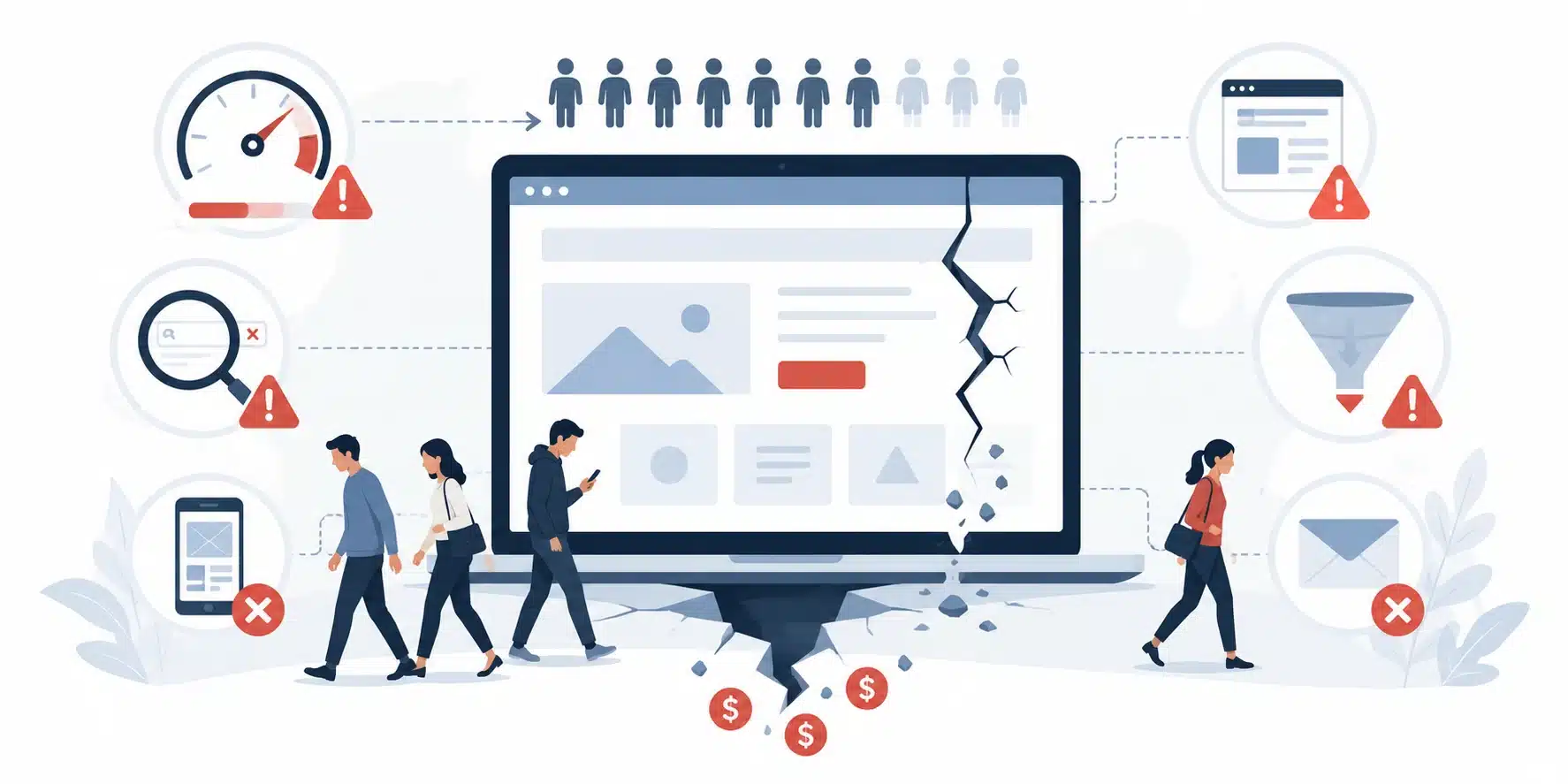
Your website should be helping your business, not quietly working against it. For many customers, it is the first place they go after a referral, an ad, or a Google search. They want to know whether you offer what they need, whether they can trust you, and how to get in touch.
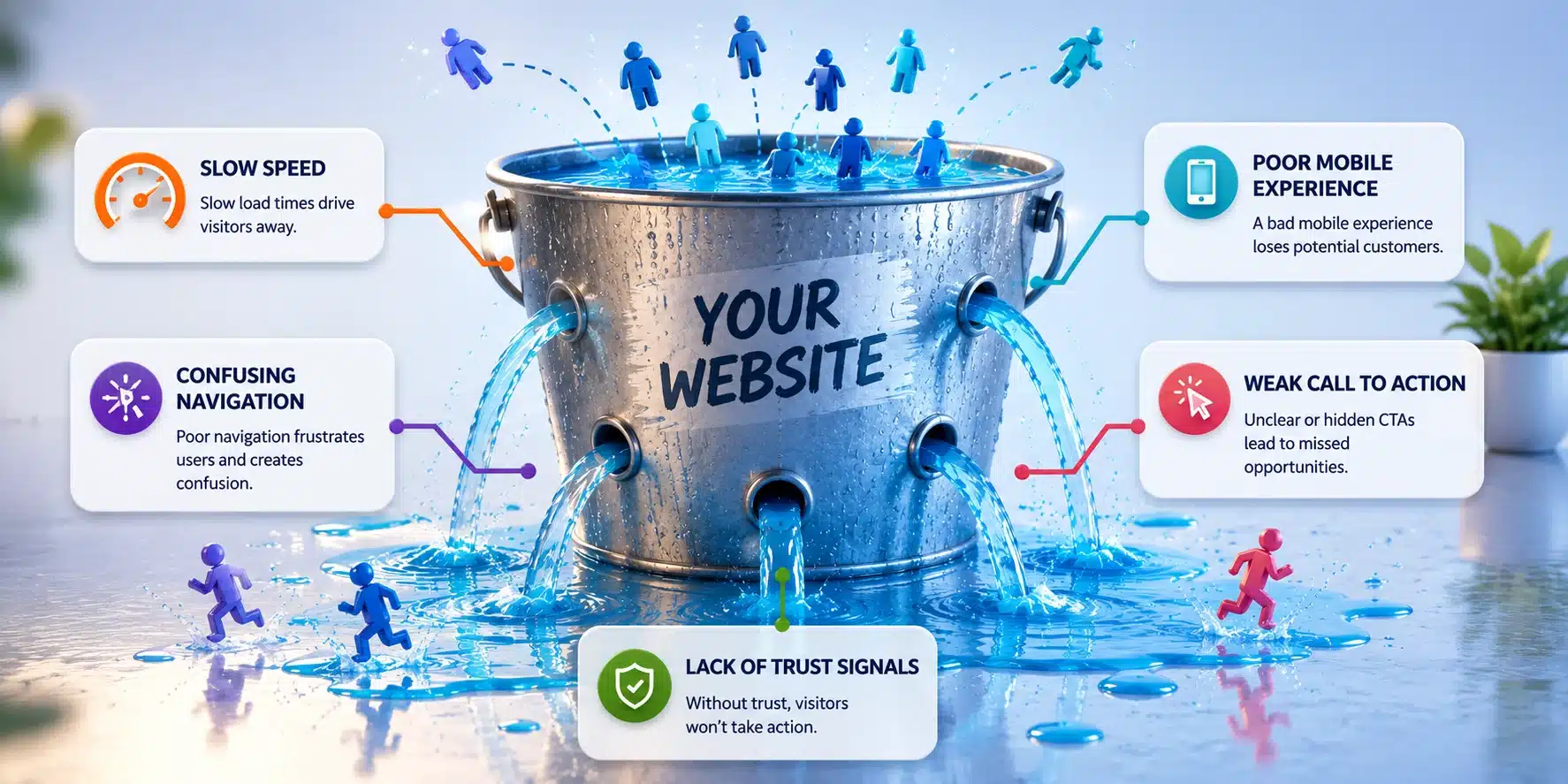
Here are five warning signs that your website may be costing you opportunities: visitors rarely take the next step, the site raises questions about credibility, it is frustrating to use, the content does not answer real questions, or people cannot find it in search. You do not necessarily need a new website to fix those problems. You need to identify which one is getting in the way.
1. People Visit Your Website but Do Not Take Action
Traffic is good, but traffic alone does not grow a business. If customers can find your website but struggle to request a quote, book an appointment, or make a purchase, the next step may be harder than it needs to be.
Take a home services company getting visitors to its service pages. Someone looking for an estimate should be able to tell whether the company serves their area, what type of work it performs, and how to request a call. A homepage full of company history won’t answer those questions.
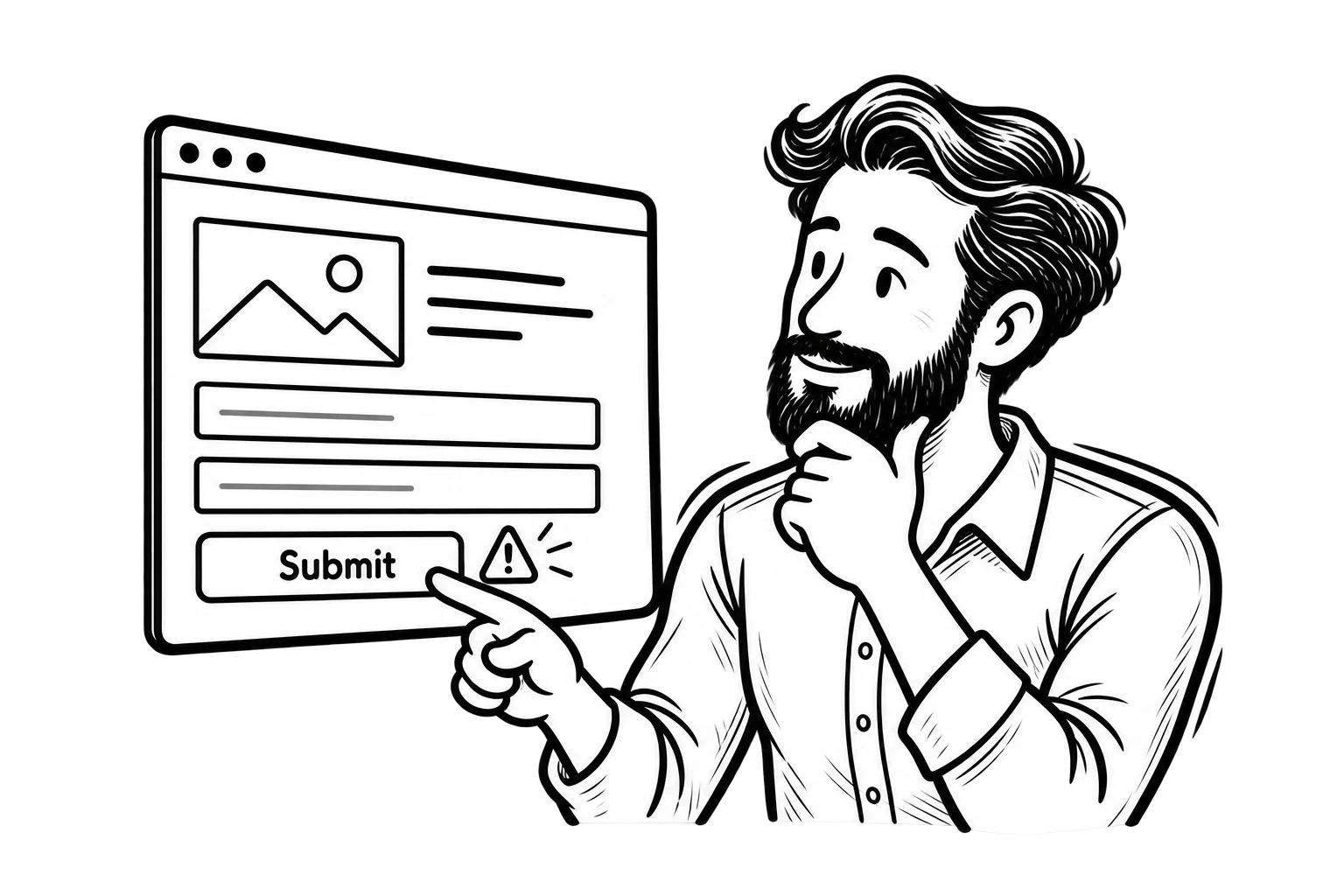
What to check: Open your three most important landing pages on a phone. Can a first-time visitor identify the service and find the relevant action without hunting through the menu? Submit the form yourself. Confirm that errors are understandable and the notification reaches the right person. The W3C’s accessible forms guidance explains how labels, instructions, and feedback help people complete forms.
Then look at actual completed inquiries or purchases, not just button clicks. A click tells you someone tried to act; it does not prove the process worked. If your pages attract the wrong type of visitor in the first place, changing the button color will not solve that problem either.
2. Your Website Makes a Good Business Look Less Credible
People judge a business by what they can see. That’s not always fair, but your website is often all they have before deciding whether to contact you.
An older design is not automatically a bad design. A simple website with clear information can do its job well. The warning signs are things that create doubt: broken images, inconsistent branding, outdated team information, services you no longer offer, or a mobile page that looks unfinished.
Imagine a consulting firm with strong referrals but a website that lists former employees and links to a disconnected contact form. Prospective customers may wonder whether the business is still active. A new color palette won’t fix that. Accurate content and a working contact path will.
What to check: Review your site as someone who has never heard of your company. Are the address, hours, services, and contact details current? Do examples of your work and legitimate reviews help customers understand what you can do for them? Is the presentation consistent from page to page?
A professional website doesn’t have to follow every design trend. It has to give people a reason to feel comfortable taking the next step. Our guide to what makes a website actually work for your business explains how clarity, usability, and trust fit together.
3. Your Website Is Slow, Frustrating on Mobile, or Unreliable
A beautiful gallery is not much help if it takes too long to load. Neither is a contact form that fails on a phone or a booking page that regularly shows an error.
Speed is part of this problem, but it isn’t the whole thing. A page can load quickly and still be difficult to use because buttons don’t respond, the layout shifts while someone is trying to tap, or the navigation covers important information.
Google’s Core Web Vitals documentation explains three useful measures: loading performance (LCP), responsiveness (INP), and visual stability (CLS). Those numbers can help you locate problems, but they don’t tell you whether your phone number is easy to find or your form is actually working.
What to check: Test a service page, not just the homepage. Use a real phone, a slower connection when practical, and a tool such as PageSpeed Insights. Try opening the menu, selecting a service, submitting a form, and returning to the previous page. Confirm that hosting, updates, and essential integrations are reliable.
A contractor with oversized portfolio images may need image optimization. A company whose booking tool fails may need an integration repaired. Those are different jobs. Don’t automatically buy another plugin or schedule a redesign when a specific issue can be corrected.
4. Your Content Does Not Answer Real Customer Questions
A surprising number of websites spend several paragraphs describing how experienced, professional, and dedicated the company is. Those qualities might be true. They also don’t tell a potential customer very much.
People arrive with questions. Does this business handle my problem? Where does it work? What is the process? How long might it take? What should I prepare before making contact? Sometimes pricing or a realistic starting range is important, too.
Consider a commercial contractor whose services page says it provides “complete solutions for every project.” That doesn’t explain whether it handles renovations, maintenance, or new construction. The owner may know exactly what the company means. A visitor shouldn’t need an introductory phone call just to decipher the website.
What to check: Read your main headline without the logo or photos. Could someone tell what you do and who you help? Then review the service pages against the questions customers ask your team most often. Add the information you can answer accurately, and use clear examples of services, processes, and typical project requirements.
Not every page needs to sell immediately. An educational article may simply help someone understand an issue. A service page, however, should make it easier to decide whether the business is a fit. Make the content serve the purpose of the page instead of filling space.
5. Customers Have Trouble Finding Your Business in Search
A website can be organized, trustworthy, and easy to use yet still miss opportunities if customers cannot find the relevant pages when they search.
Before deciding that you need “more SEO,” find out what is happening. Google’s Search Console Performance report shows clicks, impressions, and search queries. If a priority service page rarely appears for relevant searches, check whether it is indexed, whether the topic is clear, and whether the page covers what customers actually need.
Google’s SEO Starter Guide covers the foundations: helpful content, understandable page titles, crawlable links, and site organization. For a local business, accurate location and service-area information matters as well. None of that requires stuffing the same city name into every paragraph.
What to check: Search for your actual services, not just your company name. Review the pages and queries bringing visitors from Google. Check whether important service pages are accessible to search engines and linked from your navigation. If traffic has dropped recently, compare the timing with website changes, seasonality, and demand before assuming rankings are the only cause.
For a more detailed diagnosis of falling visits versus declining engagement, see why your website is losing visitors and how to fix it.
What Should You Fix First?
Finding several problems does not mean you need to rebuild the entire website tomorrow. Rank the issues by how directly they affect customers and how confidently you can identify the cause.
If the contact form is broken, fix it before discussing a homepage redesign. If customers can’t tell whether you offer their service, correct the message on that page. If the site is frequently unavailable, address the technical problem before increasing your ad budget. And if search visibility is the concern, check the affected pages before publishing another ten blog posts.
A useful first pass looks like this:
- Test the most important customer journey. From arriving on a service page to receiving confirmation of a completed inquiry or purchase.
- Check the evidence. Review search visibility, relevant traffic, actual leads, error reports, and what customers ask when they contact you.
- Identify one high-impact fix. Choose an issue you can describe clearly, rather than making several unrelated changes at once.
- Verify the result. Test the repaired process and compare the business outcome over an appropriate period. Not every improvement will show up immediately in a dashboard.
Our guide to how to audit your website and what to fix first provides a more structured way to work through technical, content, and user-experience problems.
When Does a Full Website Redesign Make Sense?
Sometimes the problem is bigger than a slow page or a weak headline. If your website’s structure makes it difficult to explain your services, the platform no longer supports important business functions, or the same problems keep appearing across the site, a redesign or rebuild may be the better investment.
But ask what the new website must do that the current one cannot. A redesign without clear goals can leave you with a more attractive version of the same problems. If you’re comparing proposals, our article on what to look for when hiring a web design agency covers ownership, deliverables, process, and ongoing support.
Your Website Should Make Doing Business Easier
Your website doesn’t need to win a design award. It needs to help the right people find your business, understand your services, feel confident contacting you, and complete the next step.
If any of these five signs sound familiar, investigate the cause before choosing the solution. Some problems need a technical repair. Some need clearer content. Others point to a larger strategy or design issue. The important thing is to know the difference, so your next website investment fixes something that matters.