How to Create Social Media Posts That Drive Conversions
How to Create Social Media Posts That Drive Conversions
Likes and comments do not automatically become customers. Learn how to create social media content that answers questions, builds trust, encourages action, and supports real business conversions.


Social media can introduce people to your business, but a like is not the same as a lead or a sale. To improve conversions, start with one action you want someone to take, create content that gives them a reason to take it, and make the next step easy.
That could mean showing how a product works before linking to its product page, answering a common concern before inviting someone to book, or sharing a customer experience before asking for an inquiry. The platform matters, but the connection between the post and the action matters more. Here is how to build that connection without turning every post into a sales pitch.
Start With Your Audience, Not a Made-Up Persona
Before creating a post, think about what your customers actually ask, hesitate over, or get excited about. You do not need to invent an elaborate biography for “Freelance Sarah” to understand why a coffee shop’s customers care about reliable Wi-Fi, comfortable seating, or a place to work for an afternoon.
Look at questions in comments and direct messages. Listen to what customers mention in person, and notice which products or services need extra explanation. Those conversations are content ideas with a real reason behind them.
Audience research also helps you choose where to post. A business does not need to maintain five accounts just because five platforms exist. If you are weighing your options, start with choosing the right social media platforms for your business and focus on the channels your customers actually use.
Choose the Conversion Before You Choose the Content
A conversion is a meaningful action tied to your business goal. For an online store, that may be a purchase. For a service business, it might be a consultation request. For a restaurant, it could be a reservation or an order. A newsletter signup may also count if building an email audience is the purpose of the campaign.
Decide which action matters for the post or campaign. Then ask what a person needs to know before they feel comfortable taking it. Someone seeing a product for the first time may need a demonstration. Someone comparing service providers may need pricing context, availability, or answers to common concerns.
Views, saves, and comments can tell you whether a post attracted attention. They cannot, by themselves, tell you whether the post achieved your business goal. That distinction keeps a good-looking analytics report from becoming the entire strategy.
Create Posts That Give People a Reason to Act
Show the Product or Service in Use
A photo of a kitchen gadget tells people what it looks like. A short video showing it prepare dinner tells them why they might want one. A landscaping business can show a project at different stages, while a salon can explain what a particular service involves.
Keep the demonstration honest and practical. Show a benefit people can recognize, include relevant details, and make the next step match what they just watched. If the post features one product, linking to that product is more helpful than sending viewers to a general homepage.
Answer the Question That Holds Up a Purchase
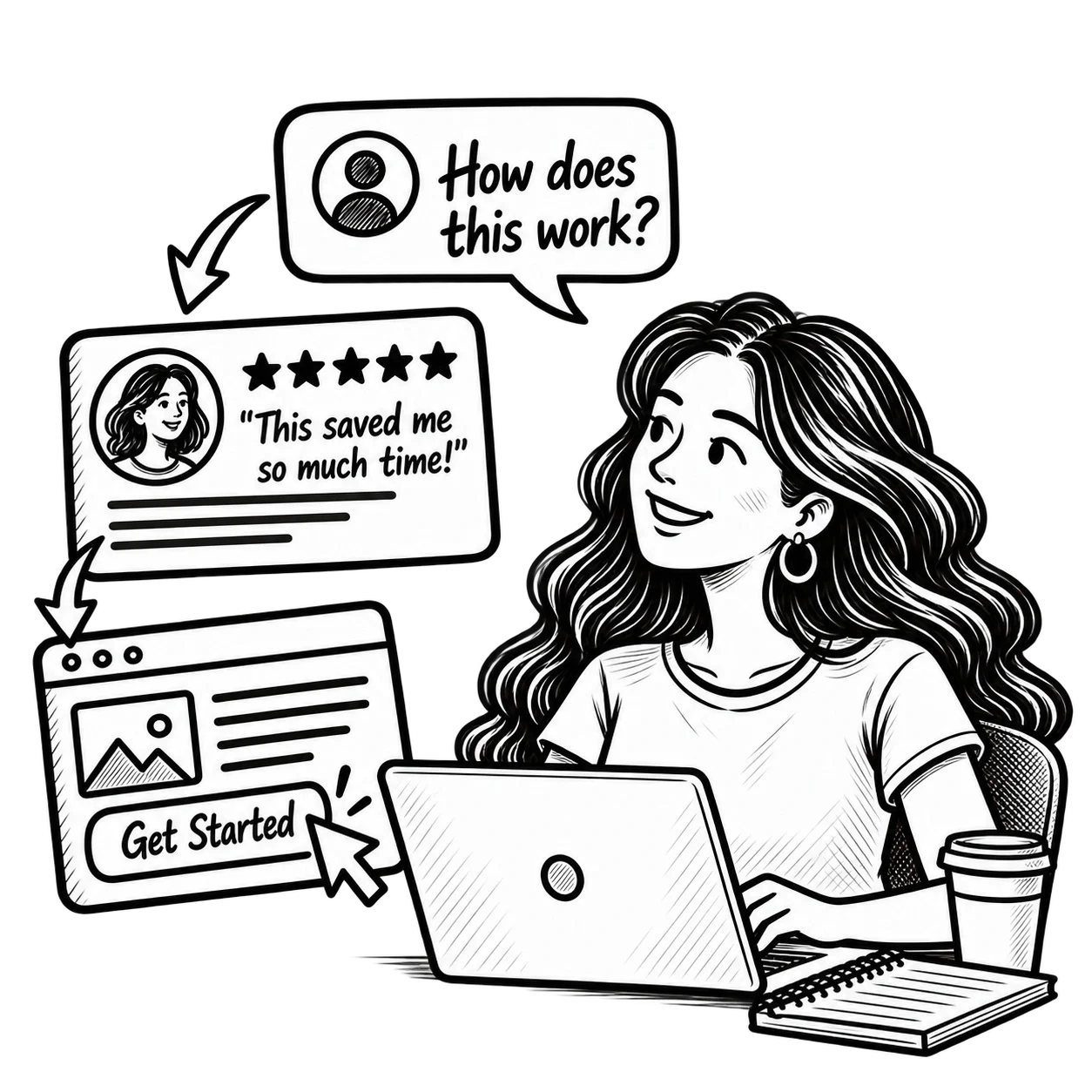
Some of the strongest conversion-focused posts do not look particularly promotional. They answer questions such as “How long does installation take?”, “What is included?”, or “Can I change my appointment?”
For example, a local fitness studio could make a short video explaining what happens during a first class. The natural next step is a page showing the class schedule and how to sign up. That is more useful than repeating “Sign up now” beneath a photo that explains nothing.
Use Real Customer Proof
Reviews, testimonials, and customer-created photos can make a business feel more credible. Ask permission before republishing someone else’s photo or video, present their experience accurately, and avoid suggesting one person’s results are typical if you cannot support that claim.
Not every post needs a testimonial. Alternating demonstrations, answers, customer experiences, and occasional direct offers creates more ways for different customers to recognize what they need.
Give Each Post a Clear, Relevant Call to Action
“Visit our website” tells people where your business exists. It does not tell them why they should go there. A more specific call to action (CTA) connects the content to a useful next step.
- After a product demonstration: See the colors and sizes available.
- After a service FAQ: Check what is included in the appointment.
- After announcing a workshop: Reserve your spot for Saturday.
- After showing a completed project: Request an estimate for your space.
Use the action that fits the post, and make sure the link, form, or booking option actually leads there. That does not mean every educational or community post must sell something. It means that when you want an action, people should not have to guess what it is.
Use Platform Features Without Assuming They Work the Same Everywhere
Instagram Stories can give you a convenient place to share a link to a product, event, or booking page. Product tags and storefront features may also help shoppers discover items, provided your account and products are eligible.
One important change for sellers using Shopify’s Facebook and Instagram integration: Instagram Shopping directs customers to the seller’s online store for checkout. Shopping features are not universally available, so check commerce eligibility and account requirements before making product tagging the center of a campaign.
For service businesses, a link to a booking page or a clear way to contact you may be more useful than a storefront. On any platform, check the tools currently available to your account instead of building a campaign around a feature you have not verified.
Build Trust in the Comments and Through Creators
People often have questions after seeing a post. Respond to comments and direct messages in a way that is helpful and timely for your team. If the question requires private information, move the conversation to a secure, appropriate channel rather than asking someone to share details publicly.
Creator collaborations can also introduce your business to a relevant audience. A local restaurant might work with a food creator, for example, but the creator’s audience and credibility matter more than their follower count. Agree on the scope of the partnership and how you will evaluate it before publishing.
When a creator receives payment, a free meal, a gifted product, or another benefit in exchange for coverage, the relationship may need to be disclosed. The FTC’s guidance on endorsements and social media influencers explains why disclosures should be clear and easy to notice. Trust is difficult to build with content that leaves out an important part of the story.
Make Sure the Destination Lives Up to the Post
A good post can get someone to click. It cannot rescue a confusing landing page, a broken booking form, or a checkout that does not work on a phone.
If a post advertises a specific service, the destination should explain that service, answer likely questions, and make the next step easy. If you promise a particular offer, visitors should be able to find its terms without hunting through the site. For a closer look at what happens after the click, read why your website gets traffic but no customers.
Measure the Actions That Matter and Test One Change at a Time
Review platform analytics for reach, engagement, and link interactions, then check what happened on your website or in your sales process. Not every sale or inquiry can be attributed neatly to a single post, especially if someone discovers your business on social media and comes back later through another channel.
Use consistent campaign links when you can. Google’s guidance on UTM parameters explains how to identify sources, channels, and campaigns in Google Analytics. Set up meaningful website events or key actions before you assume that clicks equal leads.
If posts attract attention but few people click, try a clearer benefit or CTA. If people click but do not complete the action, review the destination. If inquiries arrive but rarely become customers, examine the offer, fit, and follow-up process rather than blaming the caption alone.
Test a meaningful change, such as a demonstration versus a static product photo, or two different next-step messages. Compare results over a reasonable period, and avoid declaring a winner from a handful of interactions.
Start With One Offer and a Repeatable Process
Choose one product or service, one audience, and one action you can measure. Create a few posts that demonstrate value, answer objections, and show credible proof. Give each a suitable next step, check the destination, and review what people actually did.
You can build that into a manageable content rhythm instead of trying to post constantly. Our guide to staying consistent on social media without burning out covers how to organize the workload.
The broader process from engagement to leads and sales is covered in turning social media engagement into business conversions. For individual posts, keep the decision simple: give people a reason to care, answer what might stop them, and make it easy to act.