Email Marketing Automation: How to Build Smarter Customer Journeys
Email Marketing Automation: How to Build Smarter Customer Journeys
Email marketing automation helps businesses respond to customer behavior without managing every message manually. Learn how triggers, segmentation, workflows, and measurement create more useful customer journeys.


Email automation is not about putting your marketing on autopilot and walking away.
It is about creating systems that respond to what customers actually do.
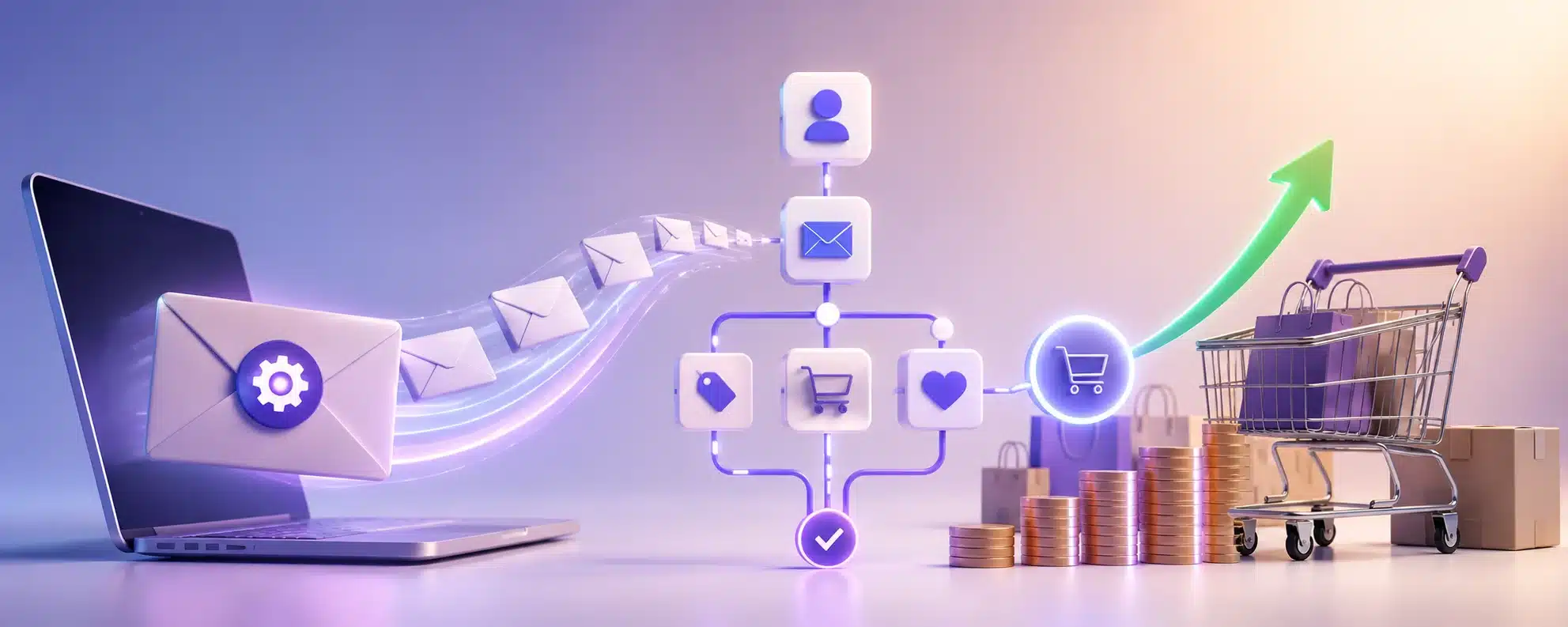
Instead of manually sending every welcome email, follow-up, reminder, or re-engagement message, businesses can build workflows that trigger when someone takes a specific action or reaches a particular point in the customer journey.
A new subscriber might enter a welcome sequence. A customer who makes a purchase may receive useful follow-up information. Someone who stops engaging could enter a re-engagement flow.
The technology handles the timing and delivery.
The strategy still determines what should happen and why.
Email Automation Has Moved Beyond Scheduled Drip Campaigns
Early email automation often followed a simple formula:
Send email one.
Wait two days.
Send email two.
Wait another week.
Send email three.
That approach still has uses, but modern automation can be much more responsive.
Current platforms can build workflows around customer actions, data, conditions, and branching paths. Mailchimp, for example, supports automation flows with triggers, conditional splits, time delays, tags, email, SMS, and other actions. Klaviyo similarly defines flows as automated sequences triggered by a behavior or event, such as joining a list, starting checkout, completing an order, or reaching a specific date.
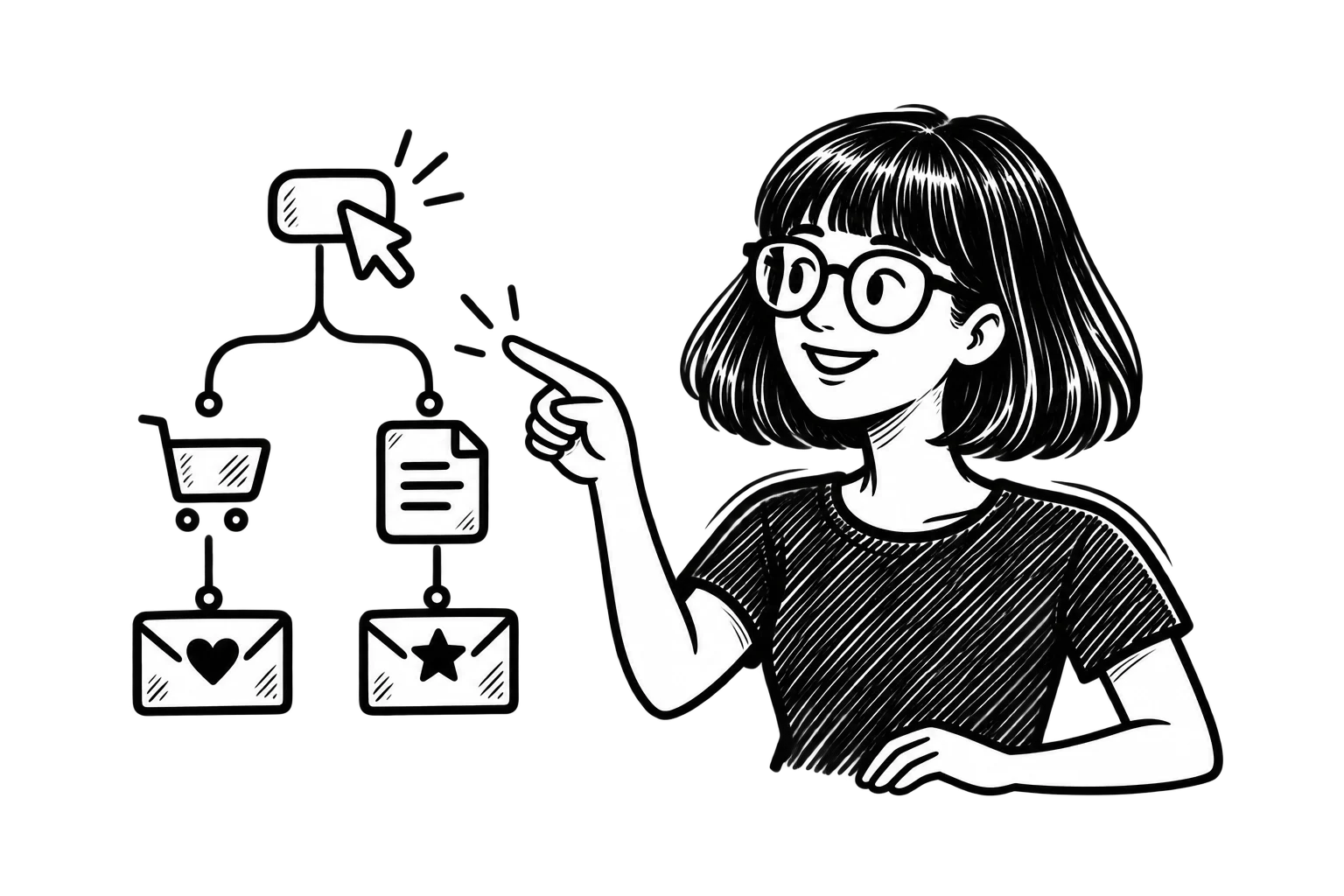
That means two people can enter the same automation and receive different messages based on what they do next.
Start With the Customer Journey, Not the Automation Tool
It is easy to open an automation builder and immediately start connecting boxes.
That is backwards.
First decide what should happen in the customer relationship.
What does a new subscriber need to know?
What should happen after someone requests information but does not take the next step?
What would be useful immediately after a purchase?
When does it make sense to reconnect with someone who has stopped engaging?
Once those moments are clear, automation can support them.
A workflow without a purpose simply sends messages more efficiently. It does not automatically make those messages useful.
Use Triggers to Respond at the Right Moment
Every automation needs a starting point.
That trigger is the event that tells the platform something has happened and the workflow should begin.
Common triggers include:
- Joining an email list
- Submitting a form
- Downloading a resource
- Viewing a product
- Adding something to a cart
- Starting checkout
- Making a purchase
- Booking an appointment
- Reaching a customer milestone
- Becoming inactive for a defined period
Behavior-based triggers are valuable because they provide context.
A subscriber who downloaded a guide about Google Ads has already told you something about what interests them.
A customer who purchased a product has different needs from someone still deciding whether to buy.
Automation lets the next message reflect that difference.
Segmentation Makes Automation More Relevant
Automation and segmentation work best together.
A trigger tells you what just happened.
Segmentation helps you understand who the person is or what else you know about them.
That information might include:
- Purchase history
- Services or products of interest
- Location
- Customer type
- Email engagement
- Website behavior
- Lead status
- Purchase frequency
- Lifetime value
For example, two customers might both complete a purchase.
A first-time buyer could receive onboarding information and an introduction to the brand.
A longtime customer making their tenth purchase might receive a loyalty message or recommendation based on their previous orders.
The trigger is the same.
The relationship is not.
Branching Workflows Can Adapt as People Take Action
One of the biggest improvements in email automation is the ability to create conditional paths.
Imagine a business sends a follow-up email after someone downloads a resource.
If the subscriber clicks through to a service page, the workflow could send information related to that service.
If they do not click, the next message might answer a common question instead.
If they schedule a consultation, they should leave the marketing sequence entirely and move into communication appropriate for a prospect who has already taken that step.
Mailchimp’s current marketing automation flows support conditional and percentage splits alongside triggers, delays, email, SMS, tags, webhooks, and other actions.
This is where automation starts to feel less like a scheduled email series and more like a responsive customer journey.
The Most Useful Automations Solve a Specific Problem
Businesses do not need dozens of workflows simply because their email platform can build them.
Start with automations tied to meaningful moments.
Welcome Sequences
A welcome sequence helps new subscribers understand who you are and what they can expect.
Instead of sending a single generic “Thanks for subscribing” email, a short sequence might:
- Deliver the resource or offer that prompted the signup
- Introduce the business
- Answer an important customer question
- Highlight a relevant service or product
- Give the subscriber a clear next step
The sequence should help someone become oriented, not simply fill their inbox for a week.
Lead Nurturing
Not every prospect is ready to contact a business immediately.
Automated follow-up can keep the relationship moving by answering questions, sharing useful resources, and helping prospects evaluate their options.
The content should follow the reason the person entered the workflow.
Someone interested in website redesign should not receive the same sequence as someone asking about paid advertising simply because both filled out a form.
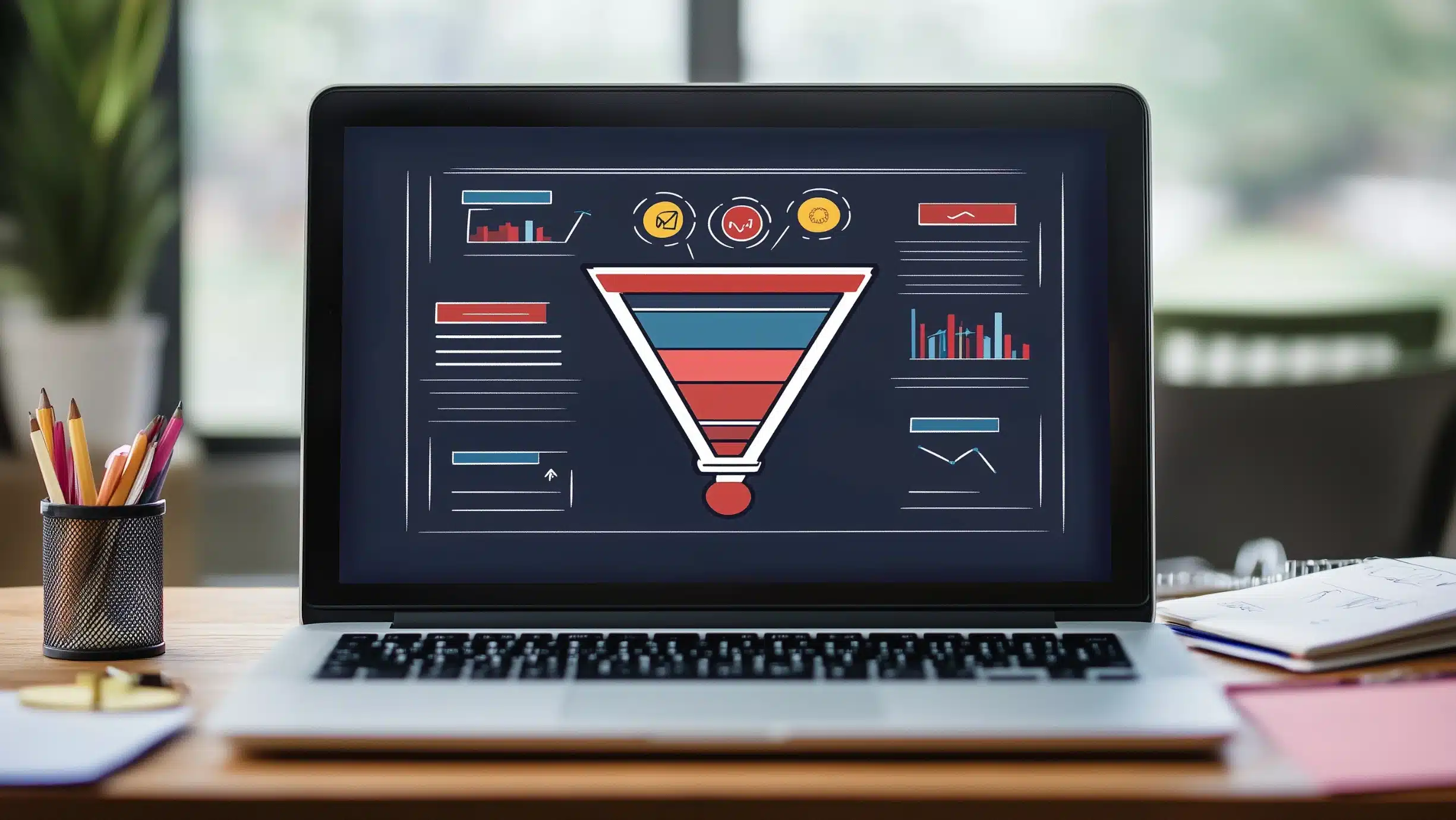
For more complex journeys, email funnels can connect educational content, follow-up, offers, and retention into a larger sequence rather than treating every email as an isolated campaign.
Abandoned Cart and Checkout Follow-Up
For e-commerce businesses, abandoned cart and checkout automation responds to clear purchase intent.
Someone selected a product and began moving toward a purchase but did not finish.
A useful sequence might remind them what they left behind, answer common objections, or make it easy to return to checkout.
Mailchimp and other commerce-connected platforms can trigger these automations directly from cart and checkout behavior.
But discounts should not automatically be the first response.
If every abandoned cart immediately receives a coupon, customers may learn that leaving the checkout is the easiest way to get a better price.
Post-Purchase Follow-Up
Automation should not stop after conversion.
Post-purchase workflows can send:
- Setup or usage instructions
- Care information
- Related resources
- Review requests
- Replenishment reminders
- Relevant product recommendations
- Loyalty information
The best message depends on what the customer bought and what would actually help them next.
Re-Engagement
Subscribers naturally become less active over time.
An automated re-engagement workflow can identify people who have stopped clicking, purchasing, or interacting and give them a reason to reconnect.
But re-engagement is also an opportunity to determine who no longer wants the messages.
Keeping disengaged contacts forever does not necessarily strengthen an email program.
Healthy automation should include a way for people to leave.
Automation Depends on Good Customer Data
The more sophisticated the workflow becomes, the more important the underlying data becomes.
Automation cannot reliably personalize a customer journey if the information feeding it is incomplete, duplicated, poorly organized, or outdated.
Before creating complicated workflows, make sure your systems can reliably answer basic questions:
Who is this person?
How did they enter the list?
What have they shown interest in?
Have they purchased?
What emails have they already received?
Did they already take the action this automation is trying to encourage?
Connected website and customer data can make those answers much easier to use.
Mailchimp’s current site tracking, for example, can use events such as product views, add-to-cart activity, and purchases to build behavioral segments and trigger follow-up automations for connected stores.
More automation built on bad data does not create better personalization.
It creates more opportunities to send the wrong message automatically.
AI Can Improve Automation Without Replacing the Strategy
AI is increasingly part of email platforms.
It can help with tasks such as predicting customer behavior, identifying useful segments, recommending content, generating variations, or determining when someone may be most likely to engage.
Those capabilities can make automation more flexible.
But AI and automation are not the same thing.
Automation defines what happens when a condition is met.
AI can help determine patterns, predictions, or content within that system.
A business still needs to decide what the customer journey should accomplish.
For a deeper look specifically at those capabilities, our article on AI in email marketing covers how artificial intelligence is being used for personalization, predictive segmentation, timing, and content assistance.
Deliverability Has to Be Part of the Automation Strategy
Automated emails still have to reach the inbox.
That sounds obvious, but automation can encourage businesses to keep adding messages without paying enough attention to list quality, consent, frequency, and sender reputation.
Gmail requires all senders to meet authentication and sending standards, with additional requirements for bulk senders. Senders reaching roughly 5,000 or more messages per day to personal Gmail accounts must use SPF, DKIM, and DMARC, support one-click unsubscribe for applicable promotional messages, and maintain low spam complaint rates. Google increased enforcement against noncompliant traffic beginning in November 2025.
Yahoo also requires bulk senders to authenticate mail, provide easy unsubscribe, and keep spam complaint rates below 0.3%.
Automation therefore needs rules for more than sending.
It should also respect consent, suppress people who should no longer receive a sequence, remove contacts when they convert, and avoid overlapping workflows that bombard the same person with unrelated messages.
Do Not Set It and Forget It
A workflow may run automatically.
That does not mean it should be ignored automatically.
Customer behavior changes. Offers change. Services change. Products disappear. Links break. Staff members change. Messaging becomes outdated.
Review important automations periodically.
Look at:
- Click-through rates
- Conversion rates
- Unsubscribe rates
- Spam complaints
- Revenue or leads generated
- Where people leave the sequence
- Performance of individual emails
- Results from different workflow branches
Mailchimp’s current automation reporting, for example, tracks activity across flows so marketers can review engagement and identify patterns rather than treating an automation as permanently finished once it is turned on.
The goal is not to automate a workflow once.
It is to create a system you can continue improving.
Start With a Few High-Value Automations
Businesses often make automation harder than it needs to be.
You do not need an enormous flowchart on day one.
Start with the moments that happen frequently and have a clear purpose.
For many businesses, that might mean:
- A welcome sequence
- A lead follow-up sequence
- A post-purchase or post-conversion sequence
- A re-engagement workflow
For an e-commerce store, abandoned cart or checkout automation may belong near the top of that list.
Once those workflows are running correctly, measure them before adding more.
A smaller number of useful automations is better than dozens of sequences nobody understands or maintains.
Email Automation Should Make Communication More Relevant
The biggest advantage of automation is not simply saving time.
It is being able to respond to customer behavior consistently without requiring someone on your team to manually recognize and act on every signal.
When the strategy is strong, automation can help a business welcome new contacts, nurture prospects, follow up after purchases, reconnect with inactive customers, and support people throughout a longer relationship.
But the technology only handles the execution.
You still need to decide which moments matter, what customers need at those moments, and what action should happen next.
The best email automation does not feel automated.
It feels timely, useful, and relevant.