How to Strengthen WordPress Security and Protect Your Website
How to Strengthen WordPress Security and Protect Your Website
WordPress security requires more than installing a plugin. Learn how updates, secure logins, backups, hosting, firewalls, HTTPS, and ongoing maintenance work together to protect your website.

Here is something most business owners do not think about until it is too late: their website is one of their most hackable assets. Not because it is poorly built, necessarily. But because WordPress powers more than 40 percent of the entire internet, and that kind of market dominance makes it an attractive target.
If you run your business on WordPress, that is not a reason to panic. It is a reason to pay attention. The fundamentals of WordPress security are not complicated, and you do not need to be a developer to get them right. You just need to be intentional.
Why This Actually Matters to Your Business
Let’s be honest about something: most business owners assume hackers are out targeting big companies, not a regional service provider or a boutique e-commerce shop. That assumption is exactly what attackers count on.
Modern hacking is largely automated. Bots crawl the web constantly, probing thousands of sites at once for outdated software, weak passwords, and known vulnerabilities. Your site’s size is almost irrelevant. What matters is whether there is an open door. And if there is, someone will eventually walk through it.
The fallout from a compromised site can be severe. Google can blacklist your domain, which effectively makes you invisible in search results overnight. Malware can be injected into your pages, putting your visitors at risk without you even knowing. Customer data can be exposed. Getting clean and recovering your reputation after something like that takes time, money, and sometimes a lot of explaining to clients who noticed before you did.
This is why WordPress security is not a one-and-done task. Think of it more like maintaining your brand presence or keeping your content fresh. It requires consistent attention.
Start With the Basics: Keep Everything Updated
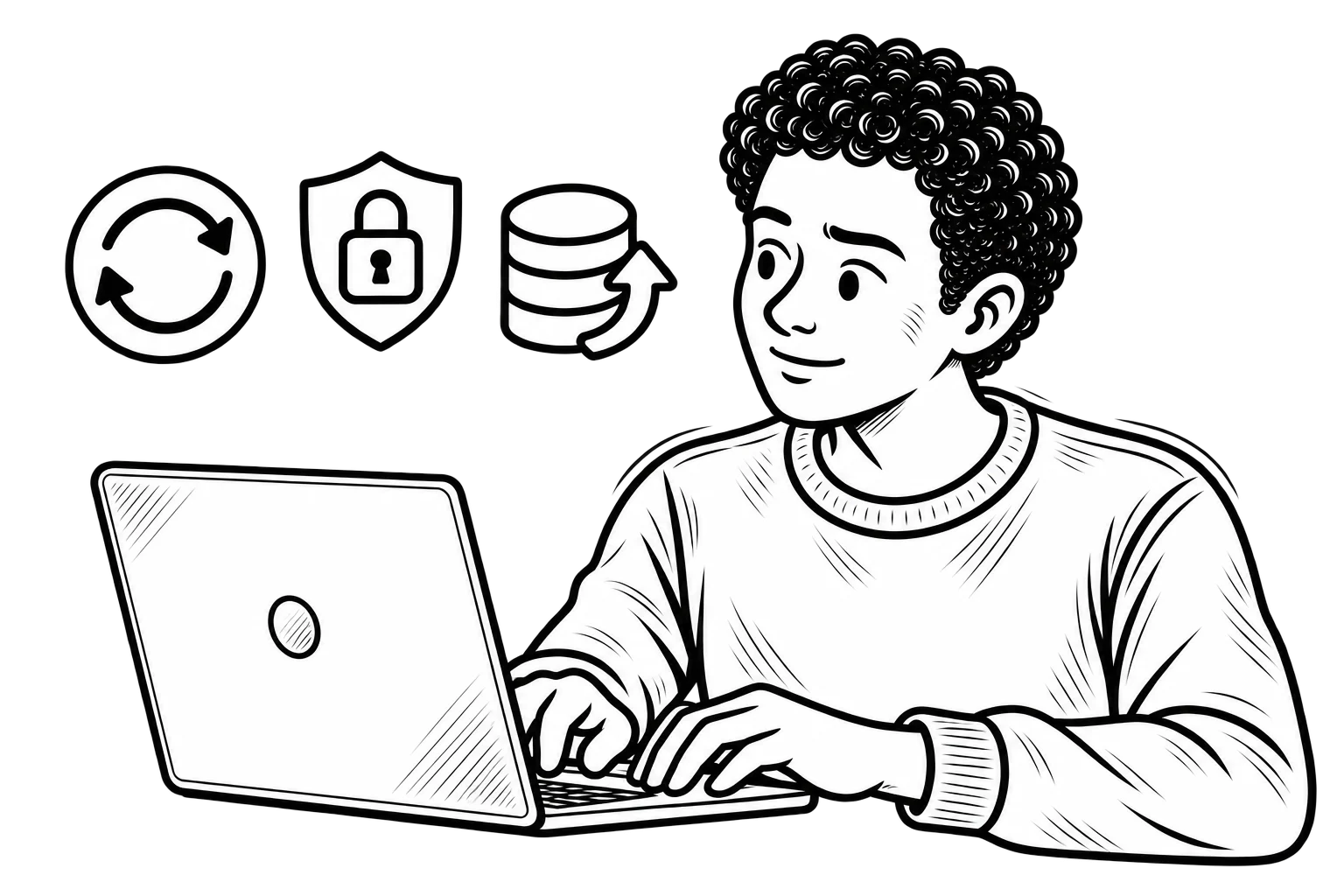
If there is one thing you do after reading this, let it be this. Update your WordPress core, your themes, and your plugins regularly.
Every update you ignore is potentially a known vulnerability sitting unpatched on your live site. Developers find security flaws and release fixes constantly. Skipping those updates does not make the flaw go away. It just means you are aware of the problem and chose not to fix it.
Think of it like a lock company issuing a recall on a faulty deadbolt. You would not leave that lock on your front door just because replacing it is inconvenient. Same logic applies here. If the manual upkeep feels like too much, many managed WordPress hosting environments handle core updates automatically, which is worth factoring in when choosing where your site lives.
Tighten Up Your Login
The WordPress login page is the most frequently attacked part of any site. And yet plenty of businesses are still running the default “admin” username with a password they have been using since 2015.
Change both. Use a username that is not publicly associated with your brand, and create a long, unique password that you are not recycling from another account. Then turn on two-factor authentication. This requires anyone logging in to verify their identity through a second method, usually a code sent to a phone or generated by an app. It is a small friction that stops the vast majority of automated attacks cold.
One more thing: not everyone on your team needs administrator access. Give users the minimum permissions they actually need for their role. If a contributor account gets compromised, the damage is contained. If an administrator account does, the attacker has the keys to everything.
Your Hosting Environment Matters More Than You Think
A lot of businesses pick a hosting plan based almost entirely on price. Cheap shared hosting can work fine for very basic sites, but it often comes without the server-level protections that a real business website needs.
Good hosting for a WordPress site should include a firewall, SSL certificates, malware scanning, and automated backups as baseline features, not paid add-ons. Your host should also be keeping its server software updated and actively monitoring for threats. If you are not sure whether yours does, it is worth a conversation with them.
This is honestly an area where working with a digital agency that offers managed hosting and web design services makes a lot of sense. Instead of cobbling together protections from five different tools and vendors, you get a setup where someone who knows your site is responsible for keeping it secure. That peace of mind has real value.
Add a Security Plugin and a Firewall Layer
Even with solid hosting, a dedicated WordPress security plugin gives you an important extra layer of visibility. Tools like Wordfence, Sucuri, or iThemes Security can flag unusual login activity, run malware scans, block suspicious IP addresses, and alert you when something looks off.
Pairing that with a web application firewall, or WAF, takes things further. A WAF filters incoming traffic before it ever reaches your site, blocking known bad actors based on patterns and blacklists. Some security plugins include this functionality. Cloudflare is another popular option that works at the DNS level and adds both performance and security benefits at the same time.
Worth noting: these tools need attention to work well. Installing a plugin and forgetting about it for two years is not a security strategy. The alerts and logs they generate are only useful if someone is actually reviewing them.
Backups Are Your Safety Net
No security setup is bulletproof. Backups are what you fall back on when something goes wrong despite your best efforts.
What makes a good backup strategy? Frequency matters, your backup cadence should match how often your site content changes. Location matters too. Store backups offsite, in cloud storage separate from your server, so that if the server itself is compromised, you still have a clean copy to restore from. And test your backups occasionally. It sounds tedious, but discovering that your backups are corrupted or incomplete during an actual crisis is not a situation you want to find yourself in.
HTTPS Is Non-Negotiable
If your site is still serving pages over HTTP, fix that today. HTTPS encrypts the connection between your site and your visitors, which matters for data protection, for user trust, and for SEO. Google has factored HTTPS into its rankings for years at this point, and a browser flagging your site as “Not Secure” is not a great look when someone is deciding whether to fill out your contact form.
Beyond the protocol itself, take a look at your login page. Changing the default login URL makes it harder for bots to find it in the first place. Setting a limit on failed login attempts locks out brute force attacks before they get anywhere. Adding a CAPTCHA is a low-effort way to filter out automated traffic that would otherwise hammer your login screen all day.
Small changes. Meaningful reduction in risk.
Make Security Part of Your Ongoing Maintenance
Security audits should happen on a schedule, not just in response to something going wrong. That means reviewing your installed plugins and themes and removing anything that is not actively in use (deactivated but installed plugins can still pose a risk), checking user accounts and removing access for anyone who no longer needs it, and reviewing your security logs for anything unusual.
If you have an agency or developer supporting your site, ask them explicitly what they are doing on the security front. The best web presence is one that is not just well-designed and optimized, but actively cared for. That ongoing attention is what separates a site that performs reliably from one that eventually becomes a liability.
Security Is Part of Your Whole Digital Strategy
It is easy to think of WordPress security as a technical problem that lives in its own category, separate from your marketing and branding work. But they are deeply connected. A compromised site hurts your SEO. Downtime disrupts your campaigns. A security incident can shake customer trust in ways that take much longer to rebuild than the site itself.
At MoDuet, we think about websites the way our clients do, as business tools that need to work. That means building sites on solid foundations, supporting them with managed hosting, keeping them optimized for search, and making sure they stay secure over time. It is all part of the same picture.
If you have questions about where your WordPress site stands, or you want a team that handles this for you, we are glad to talk. Just reach out.