Boost Your Online Sales with a Seamless Shopping Experience
Boost Your Online Sales with a Seamless Shopping Experience
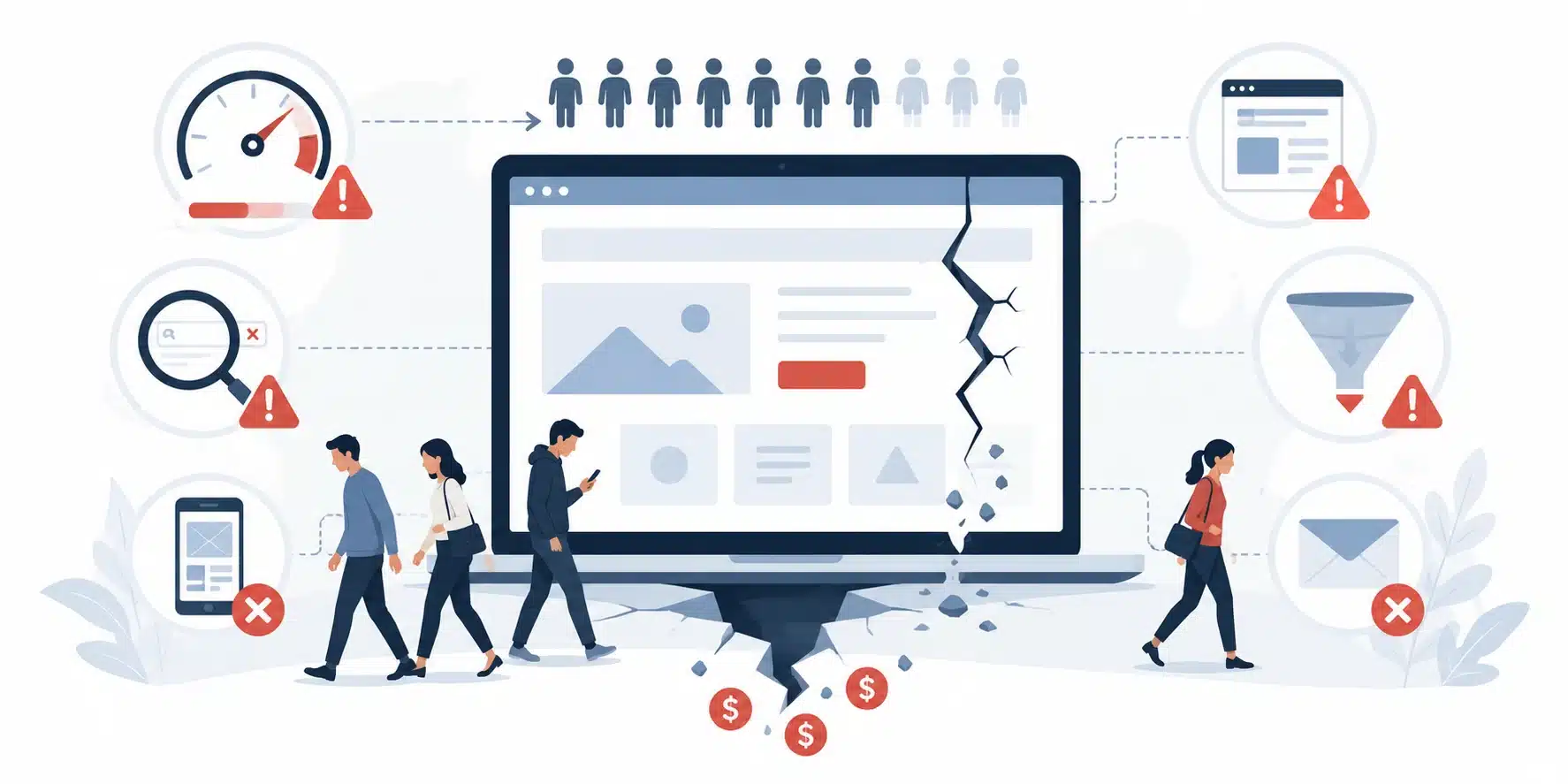
A confusing shopping experience can cost your online store sales. Learn how to improve navigation, mobile usability, checkout, and product pages while using analytics to identify which changes matter most.


Getting shoppers to your online store takes work. You may be investing in advertising, improving your search visibility, or building an audience through social media.
But what happens once those visitors arrive?
If they can’t find the right product, understand the shipping costs, or complete checkout without running into problems, that traffic may never turn into sales.
A seamless online shopping experience makes it easier for customers to find products, evaluate their options, and complete purchases without unnecessary friction. Improving that experience can support higher conversion rates, but the most effective changes depend on where your customers are having trouble.
Before redesigning your store or installing another app, it’s worth identifying what’s actually preventing people from buying.
What Is a Seamless Shopping Experience?
A seamless shopping experience allows customers to move through an online store without avoidable confusion, delays, or interruptions.
It starts when someone lands on your website and continues through product discovery, checkout, and order confirmation.
For customers, that might mean finding the correct size without searching through multiple pages, seeing the total cost before entering payment information, or returning to a cart without having to start over.
For businesses, creating that experience requires attention to website design, product information, technical performance, and the purchasing process.
The goal isn’t necessarily to make every interaction faster or eliminate every step. Some steps are important, including confirming an order or reviewing payment details.
The goal is to make the process clear and dependable.
Why Shopping Experience Matters for Online Sales
Your conversion rate measures the percentage of visits that result in a purchase.
If your store receives 5,000 visits and generates 100 orders, its ecommerce conversion rate is 2%.
If those same 5,000 visits produce 125 orders, the conversion rate increases to 2.5%.
That’s 25 additional orders without increasing traffic.
This is a hypothetical example, but it illustrates why improving the shopping experience deserves attention alongside customer acquisition.
However, conversion rates don’t explain everything.
A lower rate could reflect higher prices, a change in traffic sources, out-of-stock products, or visitors researching before making a purchase.
And an increase in conversion rate doesn’t automatically mean higher profit if the improvement depends on aggressive discounts.
That’s why you need to examine the full customer journey before deciding what to change.
1. Make Products Easy to Find
Navigation is one of the first things to evaluate.
If someone visits your store looking for a specific product category, how many decisions must they make before finding relevant options?
A confusing menu, inconsistent categories, or ineffective search function can make browsing unnecessarily difficult.
Start with the way your customers think about products.
A clothing store might organize products by category, size, occasion, or intended use. A specialty parts retailer may need filters for model compatibility and technical specifications.
Those businesses shouldn’t necessarily use the same navigation structure.
Review Search and Filtering
On stores with larger catalogs, search and filters become particularly important.
Customers should be able to narrow results using attributes relevant to their purchasing decisions.
Check whether searches account for common product names, spelling variations, and terminology customers actually use.
Also review what happens when a search returns no results.
A dead-end message isn’t particularly helpful if the store carries a suitable alternative.
Consider suggesting relevant categories, related products, or a way to revise the search.
What to measure: Product search usage, searches with no results, product-list engagement, and the percentage of visitors who reach a product page.
These metrics can help identify where discovery breaks down, although they won’t explain every usability problem on their own.
2. Make Mobile Shopping Comfortable
Responsive design is a starting point, but it doesn’t guarantee a good mobile shopping experience.
A store might technically adapt to a smaller screen while still making customers struggle with tiny buttons, crowded filters, or difficult checkout forms.
Test your website on an actual phone.
Try finding a product, selecting a variation, adding it to the cart, and completing a test purchase.
Pay attention to details that may be less noticeable on desktop:
- Are product options easy to select?
- Does the mobile menu make sense?
- Can customers read prices and delivery information without zooming?
- Are buttons and form fields comfortable to use?
- Does the keyboard cover important checkout controls?
Also check mobile performance.
Large product images, unnecessary scripts, and complicated page elements can affect loading and responsiveness.
Google’s Core Web Vitals documentation explains how loading performance, responsiveness, and visual stability are measured.
Improving a technical score can help address usability problems, but you should still verify that customers can complete important tasks.
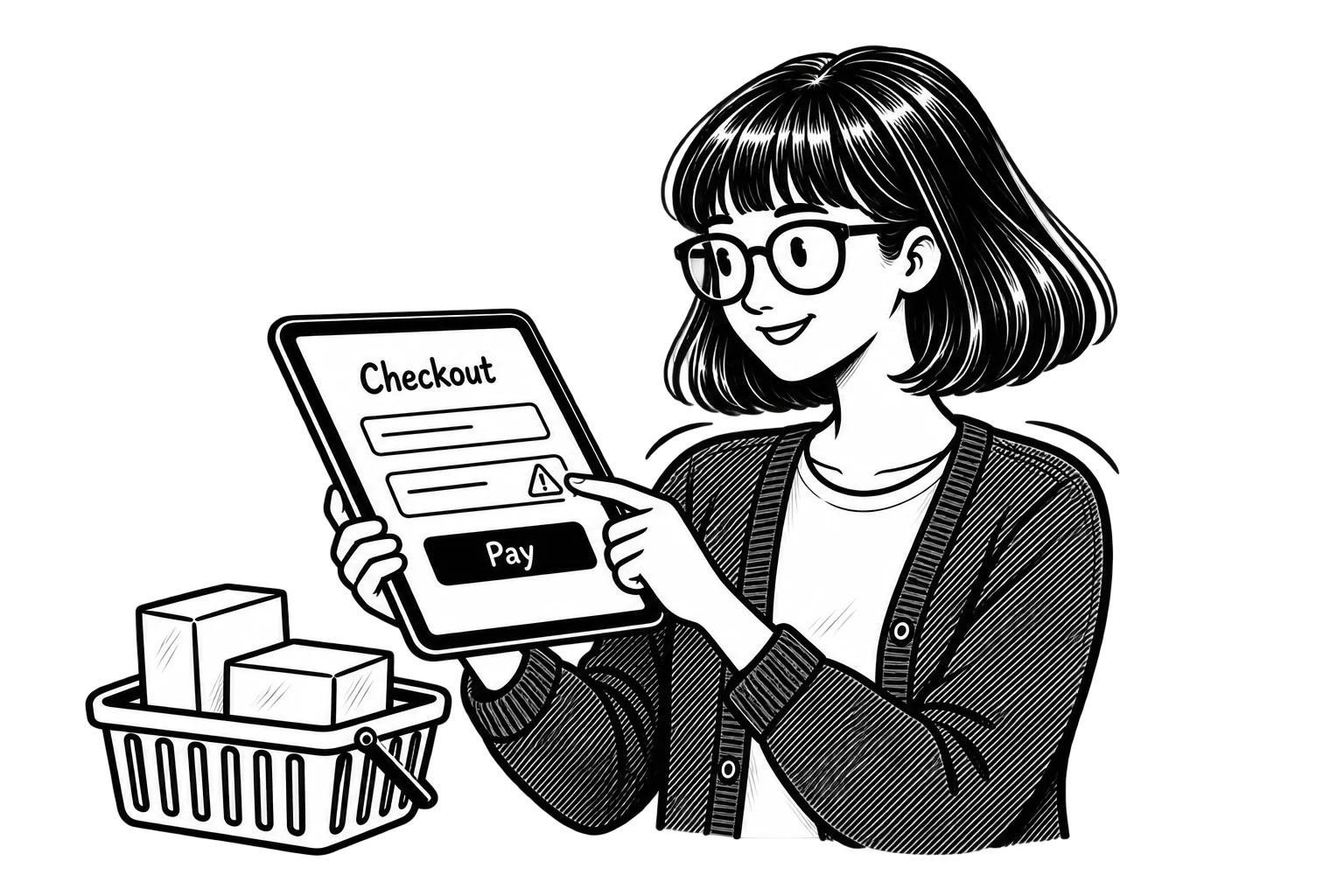
3. Remove Unnecessary Checkout Friction
Checkout deserves particular attention because visitors have already shown purchase intent by reaching that stage.
Yet stores often introduce additional obstacles just as customers are ready to pay.
One common problem is requiring shoppers to create an account before placing an order.
Another is waiting until the final checkout step to reveal shipping charges or additional fees.
According to Baymard Institute’s research on cart abandonment, unexpected costs, forced account creation, and complicated checkout processes are recurring reasons shoppers abandon purchases.
That doesn’t mean every abandoned cart is preventable. Some customers are browsing or comparing prices.
But the problems you can control are worth investigating.
What Should You Check First?
Review the checkout process from the perspective of someone purchasing from your store for the first time.
Make sure customers can see delivery costs and relevant fees as early as reasonably possible.
Offer guest checkout when appropriate for your business model.
Avoid requesting information you don’t actually need to process the order.
Make payment options clear and ensure error messages tell customers what needs to be corrected.
Digital wallets and accelerated checkout options may help reduce manual entry, particularly on mobile devices.
However, adding more payment methods isn’t automatically the best solution. Start by understanding whether customers are experiencing payment-related difficulties.
Don’t Forget What Happens After Payment
The experience continues after a customer clicks the purchase button.
A clear order confirmation should explain whether the transaction succeeded, summarize the order, and tell the customer what happens next.
If a payment fails, the website should communicate that clearly rather than leaving the shopper wondering whether they were charged.
Ambiguity at this stage creates unnecessary support requests and damages confidence.
4. Give Customers Enough Information to Make a Decision
Customers can’t inspect products physically before buying online.
They depend on your website to answer the questions they would normally ask in a store.
That makes product presentation a practical conversion consideration.
Use clear photographs that accurately represent the product. Include alternate views when they help customers evaluate important details.
For products where size or fit matters, provide measurements and relevant guidance.
If customers need compatibility information, ingredients, materials, or care instructions, make those details easy to find.
Descriptions should address what buyers need to know rather than relying on broad promotional claims.
Make Shipping and Returns Easy to Understand
Product information also includes purchasing conditions.
Customers may hesitate when they can’t determine how long delivery will take, whether an item is in stock, or what happens if they need to return it.
You don’t have to promise unusually fast shipping or generous returns.
You do need to communicate your actual policies clearly.
If shipping times vary by product, location, or fulfillment method, explain that before the final payment step.
Clear expectations help customers decide whether the purchase works for them.
5. Use Personalization Where It Helps
Personalization can make shopping more convenient.
Showing recently viewed products, recommending compatible accessories, or helping returning customers resume their shopping can reduce the work required to find something relevant.
But personalization isn’t automatically an improvement.
An unrelated recommendation doesn’t become useful because an algorithm selected it.
And adding multiple recommendation widgets can distract customers from the product they’re already considering.
Start with practical applications.
For example, a store selling cameras might recommend compatible memory cards or protective cases.
A store with a large catalog could help visitors return to products they’ve already explored.
Evaluate whether these features support product discovery or increase relevant purchases.
Also consider privacy and consent requirements when using customer behavior to personalize experiences.
For smaller stores, accurate product categorization and useful recommendations may be more valuable than investing immediately in sophisticated personalization software.
6. Create a Consistent Experience Across Channels
Customers may discover a product through Instagram, click an advertisement, visit your website later, and eventually purchase from a different device.
Each interaction should provide accurate and recognizable information.
That includes product names, prices, promotions, availability, and brand presentation.
For example, if an advertisement promotes a particular product at a discounted price, the landing page should make that product and offer easy to identify.
Sending visitors to a generic homepage forces them to repeat the search.
Likewise, promotions should be applied according to the terms communicated in the campaign.
Cross-Device Convenience Has Limits
Features such as saved carts and customer accounts can help returning shoppers continue where they left off.
However, cart synchronization across devices often depends on whether a customer is logged in or can otherwise be recognized appropriately.
Don’t promise a continuous experience your platform doesn’t actually support.
Focus first on consistent product information, reliable landing pages, and a checkout that works across devices.
Those improvements can benefit customers regardless of whether they shop through a saved account.
7. Measure Where Customers Are Getting Stuck
This is where shopping experience improvements become more than a design exercise.
A store can look attractive and still have serious problems with product discovery or checkout.
The best place to start is your own customer data.
Follow the Shopping Journey in GA4
Google Analytics 4 supports recommended ecommerce events such as:
view_item, when a shopper views a product.add_to_cart, when an item is added to the cart.begin_checkout, when a customer starts checkout.purchase, when a transaction is completed.
Google explains how these events work in its ecommerce measurement documentation.
Once they’re implemented and validated correctly, they can help you examine where visitors stop progressing.
Suppose your product pages receive substantial traffic, but relatively few shoppers add items to their carts.
That may point toward problems with product information, pricing, product fit, or the add-to-cart experience.
If many shoppers start checkout but few complete purchases, investigate shipping costs, payment issues, form errors, and other checkout obstacles.
The data identifies where to look.
It doesn’t automatically tell you why customers are leaving.
Combine Analytics With Usability Testing
Complete a test purchase yourself using both desktop and mobile devices.
Ask someone unfamiliar with your store to find a particular product and check out.
Observe where they hesitate, misunderstand instructions, or have difficulty completing a task.
Customer support questions and feedback can also reveal recurring issues.
For example, if shoppers repeatedly ask how long shipping takes, the information may be unclear or difficult to locate.
Use these observations alongside analytics before investing in changes.
MoDuet’s UX and conversion optimization services focus on identifying visitor friction and improving the path from visit to conversion.
How to Prioritize Shopping Experience Improvements
Once you’ve identified potential issues, it’s tempting to fix everything at once.
That usually makes it harder to understand which changes mattered.
Instead, prioritize based on the severity of the problem, the number of customers affected, and the business impact.
A payment failure affecting mobile users should take priority over adjusting the spacing between homepage sections.
A confusing shipping policy may deserve attention before adding personalized product recommendations.
Start with a clear problem statement.
For example:
“Customers are abandoning checkout after reaching the shipping step.”
Then investigate the likely causes.
Are shipping costs unexpectedly high? Are delivery options confusing? Does the page contain a technical error?
Make an appropriate change and track the relevant results.
Where traffic volume allows, controlled A/B testing can help compare alternatives. For lower-traffic stores, usability testing, customer feedback, and careful before-and-after analysis may be more practical.
Just remember that sales can change because of seasonality, promotions, advertising activity, or inventory availability.
Don’t attribute every improvement to your latest website adjustment.
Start With the Improvements That Matter Most
You don’t need to rebuild your online store to improve its shopping experience.
Start by checking whether customers can find products, understand what they’re buying, and complete checkout without avoidable problems.
Use your ecommerce analytics to identify where visitors stop progressing. Investigate those points, make focused changes, and measure the results.
If your store is built on Shopify or you’re considering a new ecommerce website, MoDuet’s website development services can help you evaluate the design, functionality, and checkout experience.
The goal is to make purchasing easier for the customers you already attract, and to understand whether those improvements are actually helping your business sell more.